Job Picker Dialog
The Job Picker dialog functions in a very similar fashion to the Location picker dialogs.
It has one main function.
1: It Allows the selection of a job
- Ensure that the Filter Tab is selected.
- All existing job orders are displayed.
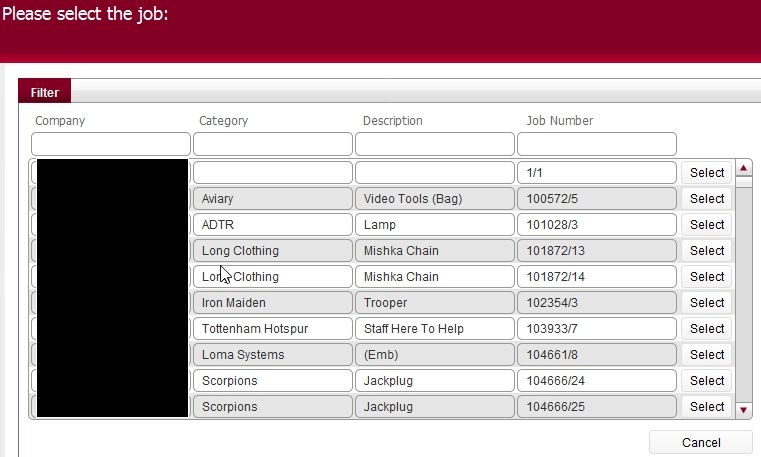
- Entries can be filtered by typing in values in any of the job attribute headers
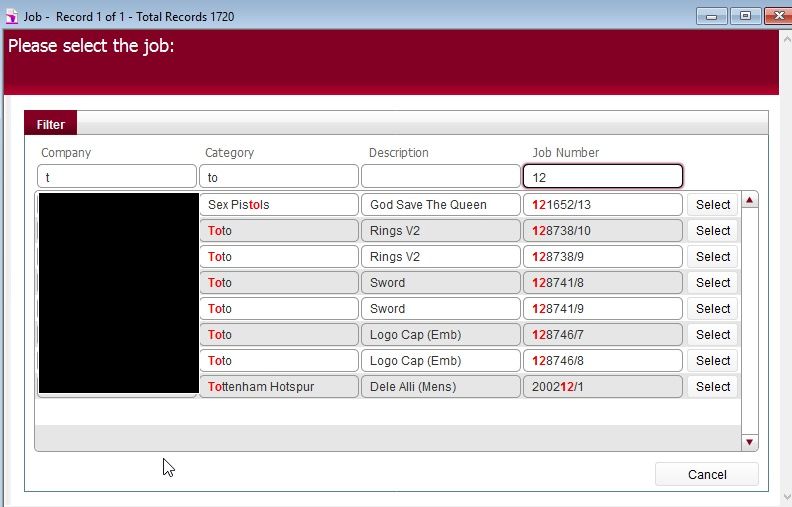
- Once you have identified the job order that you wish to include, click the corresponding Select button to the right of the record.
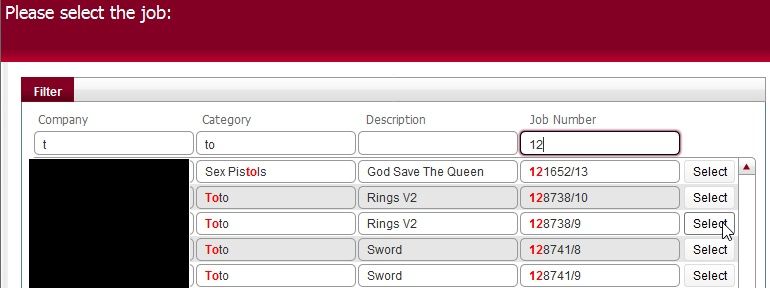
- This will apply the selected job within the layout from where you navigated into the job picker dialog..