Ensure that the Filter Tab is selected.
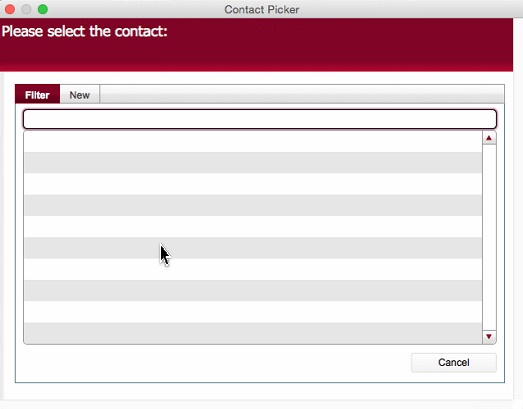
Type the first few characters of the contact name you are searching for
The Contact Picker dialog functions in a very similar fashion to the Location picker dialog
It has two principal functions.
Ensure that the Filter Tab is selected.
Type the first few characters of the contact name you are searching for
e.g. Iff
Note: text that you enter is treated case insensitively - that is "iff" is treated identically to "IfF"
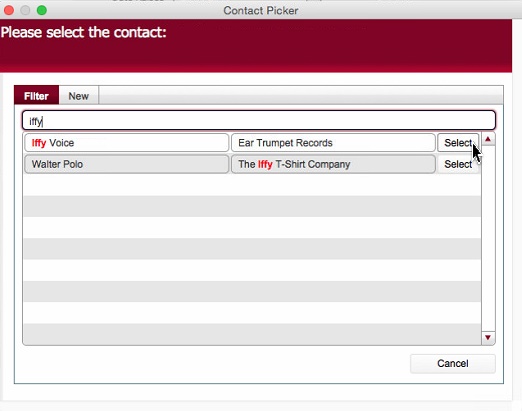
When your required value is shown, click the corresponding Select button to the right of the entry which will cause the entry to be selected / inserted into the origin layout.
Note: if the contact name you require does not display you can create a new contact record “on the fly".
Follow the below steps to do this.
Select the “New” tab and populate the available basic data fileds for the new contact.
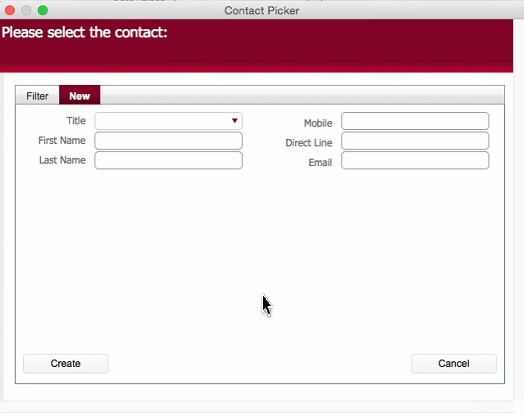
example:-
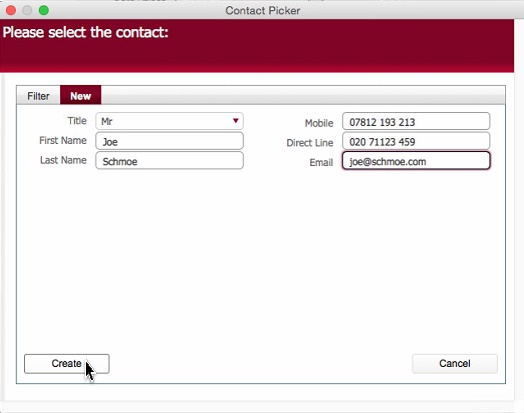
Click the Create button.
As you are creating a new contact, and contacts must be associated to a Company, strokeone will display the Company Picker dialog to allow you to select (or if it doesn't exist, create on the fly) the company for the newly created contact.
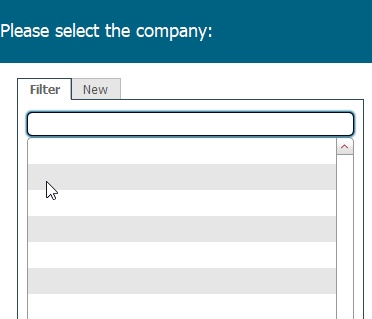
Ensuring the Filter tab is selected, type the first few characters of the company you are searching for
e.g.
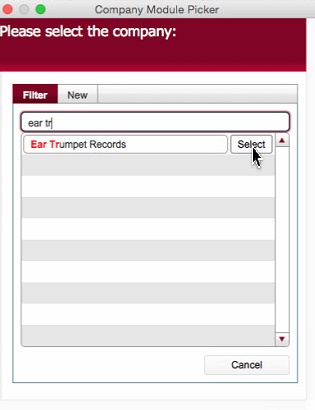
Assuming you find the required company, click on the Select button to associate the newly created contact to the Company
If the company cannot be found, it too needs to be set up "on the fly"
To do, so, click the New tab.
Populate the required basic data fields for the Company.
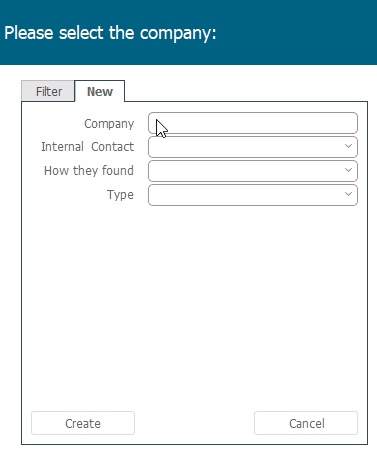
and click Create.