 icon.
icon.
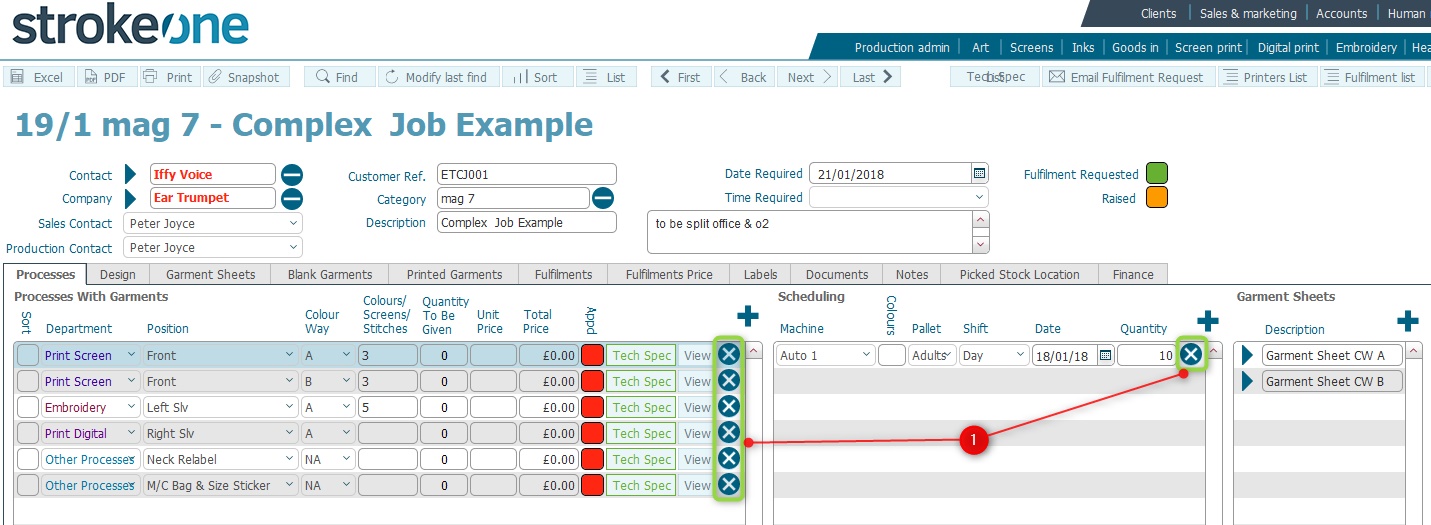
Existing records can be deleted in the system wherever you see the icon.
For example in the below screen-shot, clicking the delete icon
besides any of the fields annotated with (1)
will cause the whole record
row will be deleted.
The ability to delete records is dependent on several factors:-
Depending on the above, you may not be able to delete certain records. Refer to your manager for more assistance.
Related Topics
How to Create a New Record in Filemaker