
Depending on the type
of the inserted file - either an icon for the file or a preview of
the file will be shown in the container field..
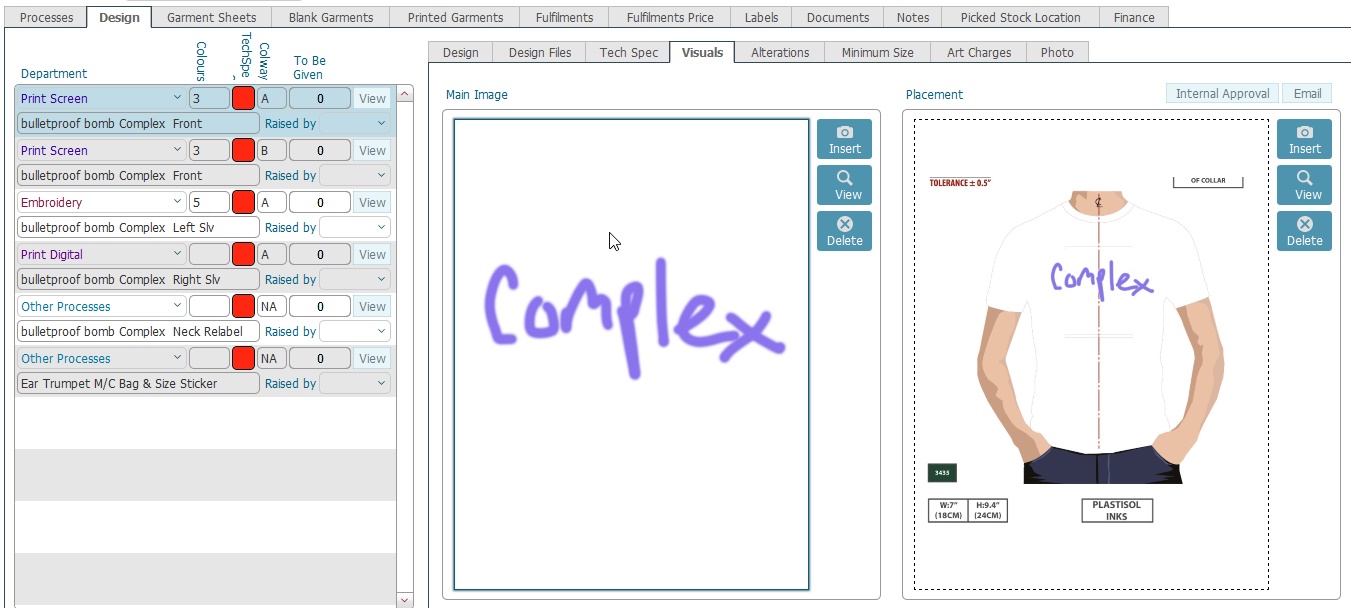
In numerous locations within strokeone, you can insert a file into a container field. The inserted file is persisted onto the FileMaker server and can then be accessed by any user of strokeone.
When you attempt to open an inserted file, your computer will seek to
open it in a compatible application.
For example, if the inserted file is an XLS file, then when you open it,
your computer will seek to open an application than can read XLS files
- Microsoft Excel for example.
Depending on the type
of the inserted file - either an icon for the file or a preview of
the file will be shown in the container field..