icon.
icon.
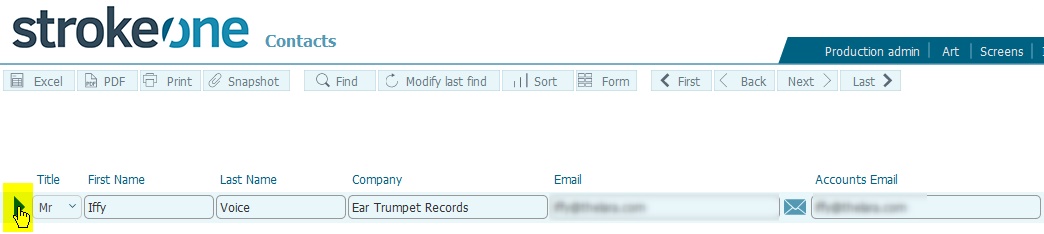
In strokeone, within layouts
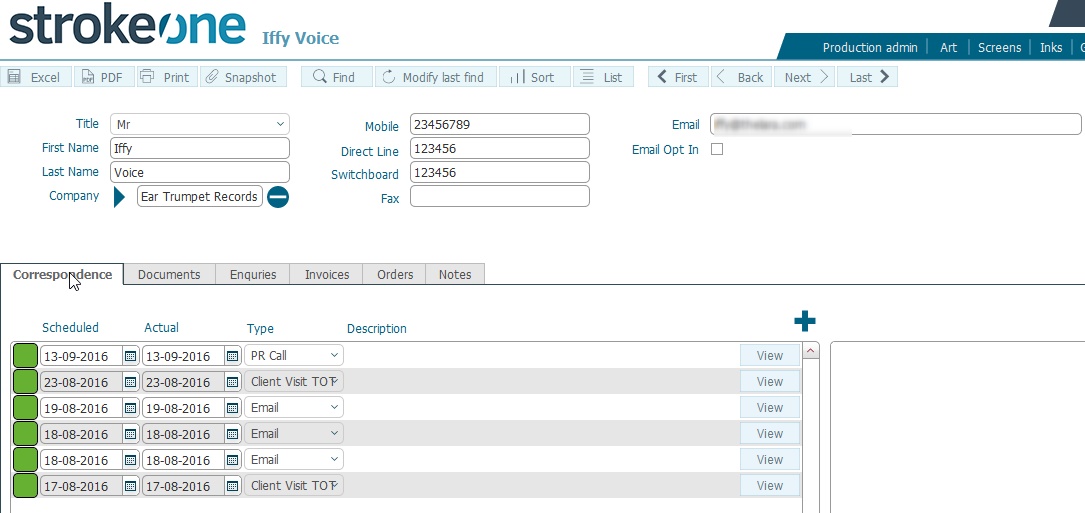
that are made up of lists of records, you can drill down to
a open the detailed form for an
individual record wherever you
see the icon.
besides the record. Typically
this icon is to the left
of the record data row..