Venue Picker Dialog
The Venue Picker dialog functions in a very similar fashion to the Contact picker dialog.
It has two main functions :-
1: Allows the selection of a venue
- Select the Filter Tab
- Type a few characters of the address in the search field.
- Venues that have a matching address are shown.
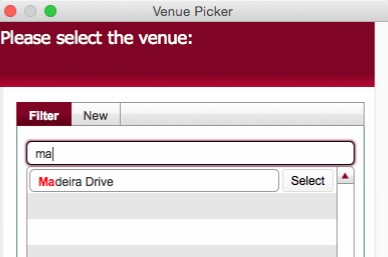
- When your required value is shown, click the corresponding Select button to the right.
- Should your requires venue not be shown, you can create it.
2: Allows the creation of a New Venue
- Select the New tab.
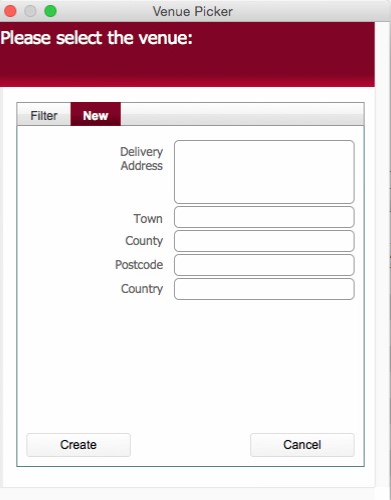
- Enter the following data:-
- Delivery Address (this is what any search on venue will use)
- Town
- County
- Postcode
- Country
- Click Create
The created venue can then be searched for.
Note: Records added in this dialog are stored, and can be edited in the Venue table.
Related Topics
Creating Venue Records