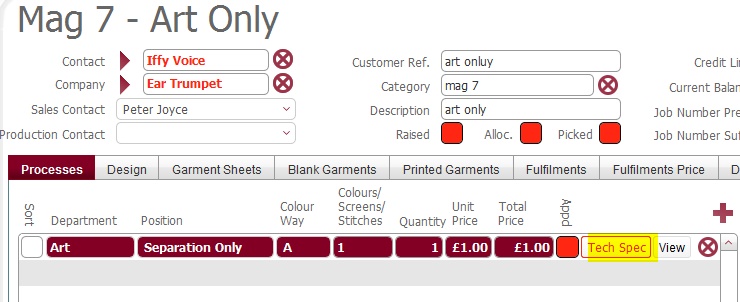
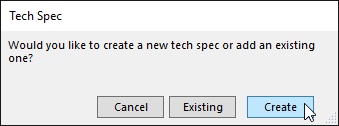
- Locate and select the ArtWork only process line in the left pane.
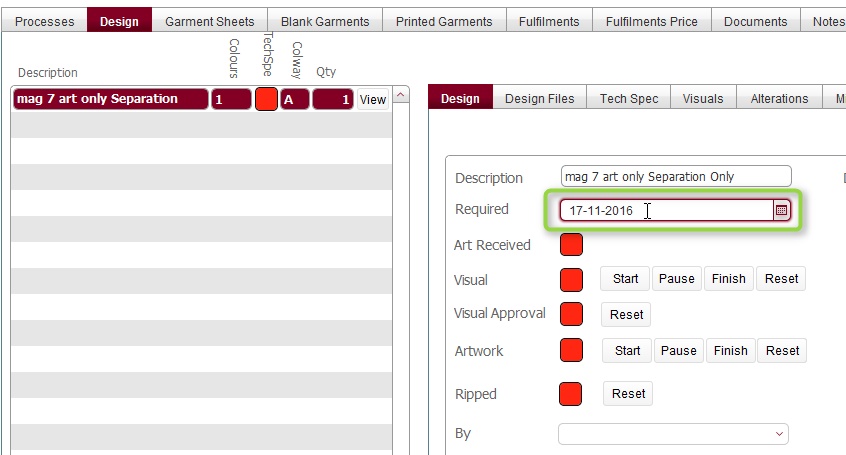
- In the tech/spec middle pane, ensure the Design tab is selected
- Set the Required field with the date by which the ArtWork is
required.
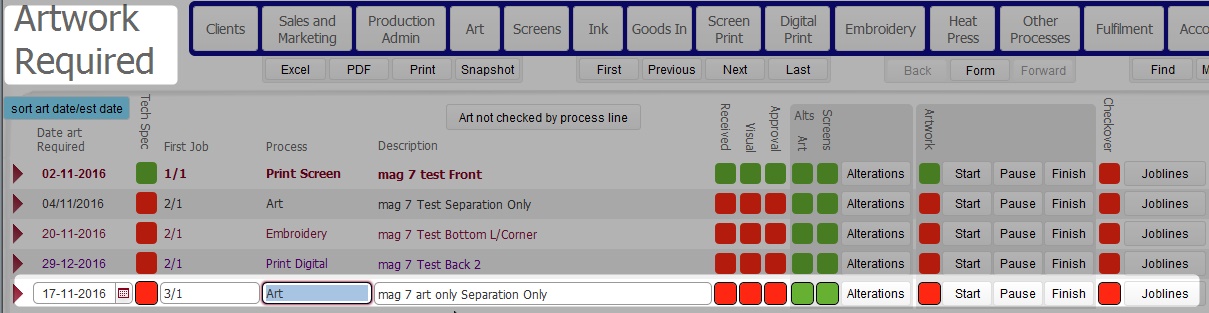
Within strokeone certain process lines have an embedded artwork requirement :-
In other words, an intrinsic part of the process line is to apply artwork to a garment via a specified method.
For example:-
The point being that the process line's function is to apply imagery (artwork) to a garment.
Given this, we can understand that when the process line is added to a job, simultaneously an artwork required record is created which instructs the art department of the need to create the imagery that the process line will apply to the garment. In short it creates a "to do" record for the art department.
The date that this "to do" artwork is required by is driven from the date required on the scheduling record associated to the process line.
Scheduling records outline the date that the process line will actually be undertaken
Issue with Artwork Only Process Lines
As artwork is typically a pre-requisitie for other processes, a difference in treatment is needed for when an Artwork only process line is added on a job. As this doesn't automatically create an associated Artwork required "To do" record, some additional steps are needed to create this, so that the art room are aware of the need to undertake the necessary work.