It is a TOT Shirts Limited policy that all Artwork required on a job order is checked over before it is used in a production order. This means irrespective of whether the Artwork has been newly created for a new job order, or already exists and is being used on a repeat job order, the Artwork must be checked so that any changes, defects or inaccuracies can be picked up before actual products are decorated to avoid costly wastage.
Whilst these actual check over does not involve strokeone, it is nevertheless important for audit, purposes that it is recorded.
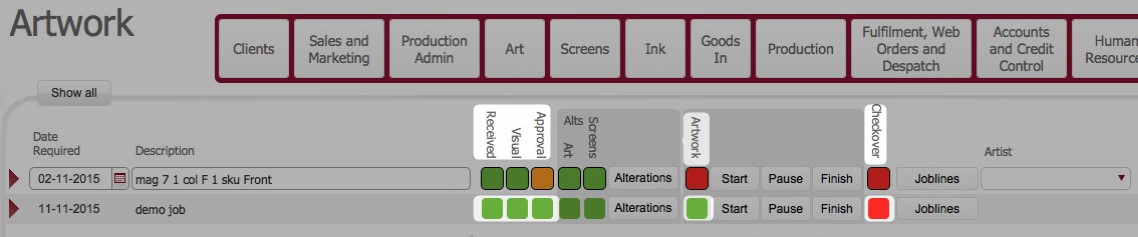
Bear in mind that the person whom updates the checked status of artwork is signalling that they are responsible for any errors in the artwork imagery.
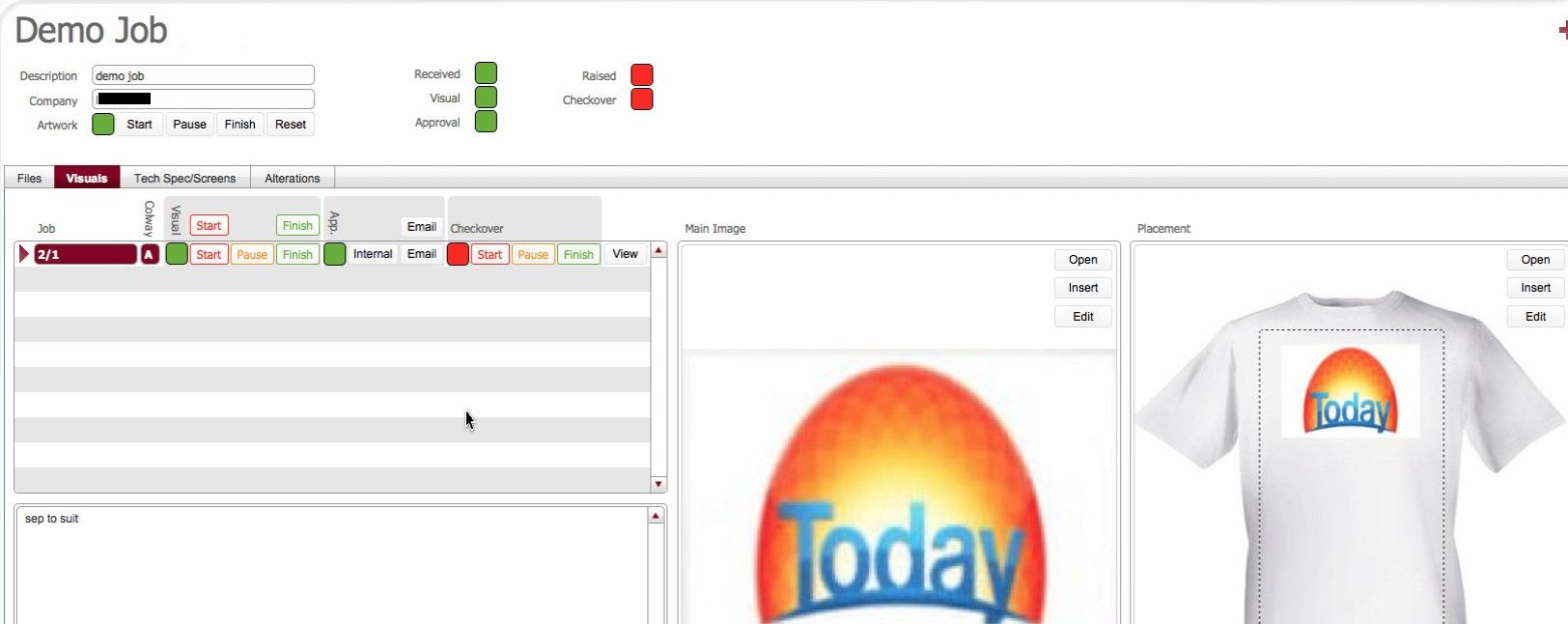
This topic outlines how to update strokeone to mark artwork required records as checked over.
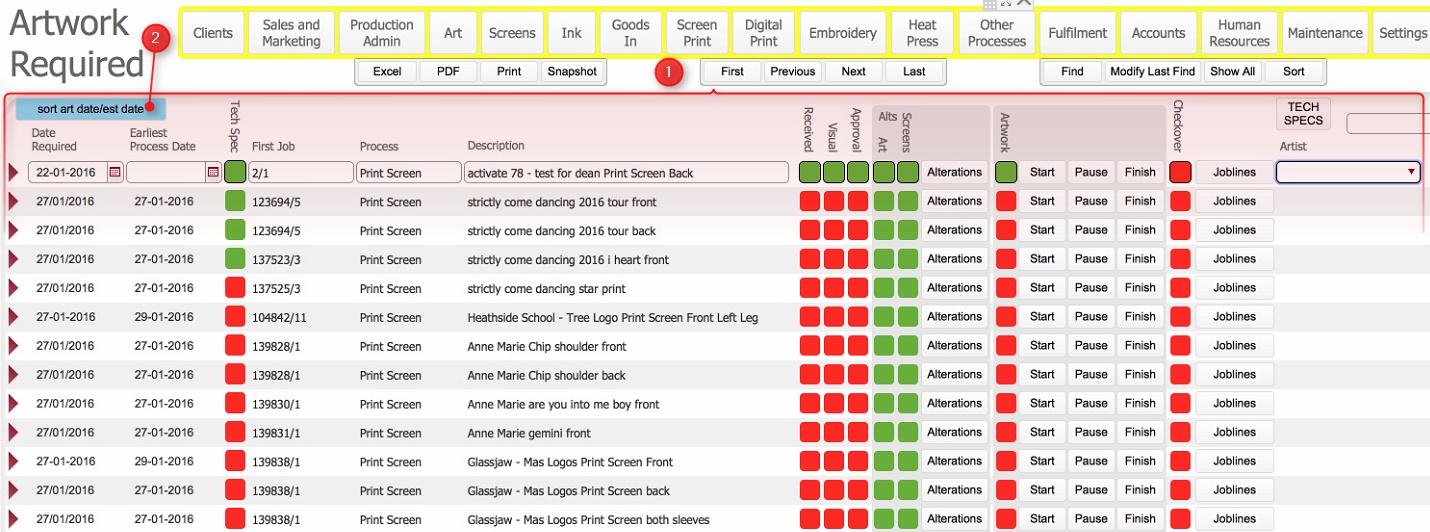
Ensure that you have opened the Art
to Be Done Summary Layout
Click to see example
of Art to be Done layout:-
Next Steps
The next and final stage of the artwork creation process is to raise
a technical specification for the artwork record.
Related Topics
How to Open an ArtWork Required Record
How to Add TechSpec / Screen Deals to ArtWork Record