Ensure that the Filter Tab is selected.
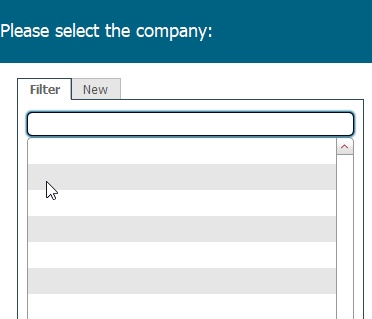
Type the first few characters of the value you are searching for
The Company Picker dialog functions in a very similar fashion to the Location picker dialog
It has two principal functions.
Ensure that the Filter Tab is selected.
Type the first few characters of the value you are searching for
e.g. fir
Note: text that you enter is treated case insensitively - that is "fir" is treated identically to "FiR"
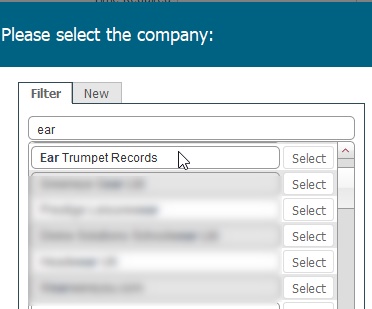
When your required value is shown, click the corresponding Select button to the right of the entry which will cause the entry to be selected / inserted into the origin layout.
Note: if the contact name you require does not display you can create a new company record “on the fly".
Follow the below steps to do this.
To do, so, click the New tab.
Populate the required basic data fields for the Company.
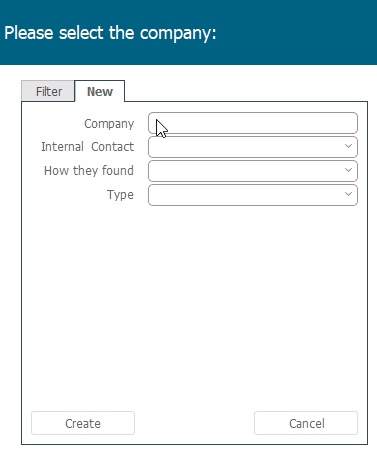
and click Create.
Note: When you create a new company record in this manner,you are only populating the bare minimum of fields, and therefore at the earliest possible convenience, you should return and fully populate the rest of the company record details, as outlined in How to Create a Company Record