
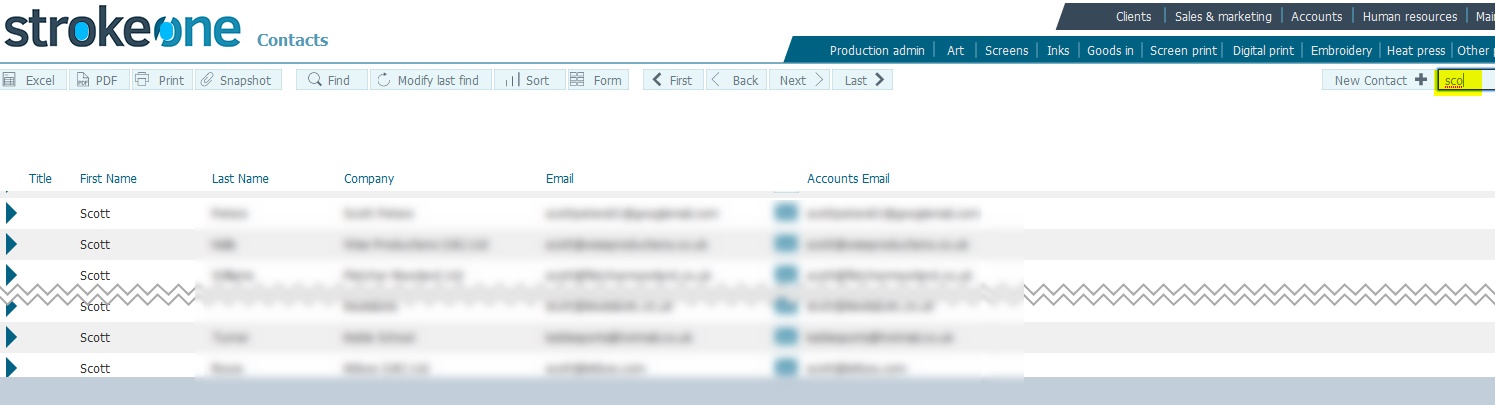
to find those clients that match the characters sco*, enter sco in the quick search field
(Note: for this topic certain field values have been deliberately obscured in the screen-shots)
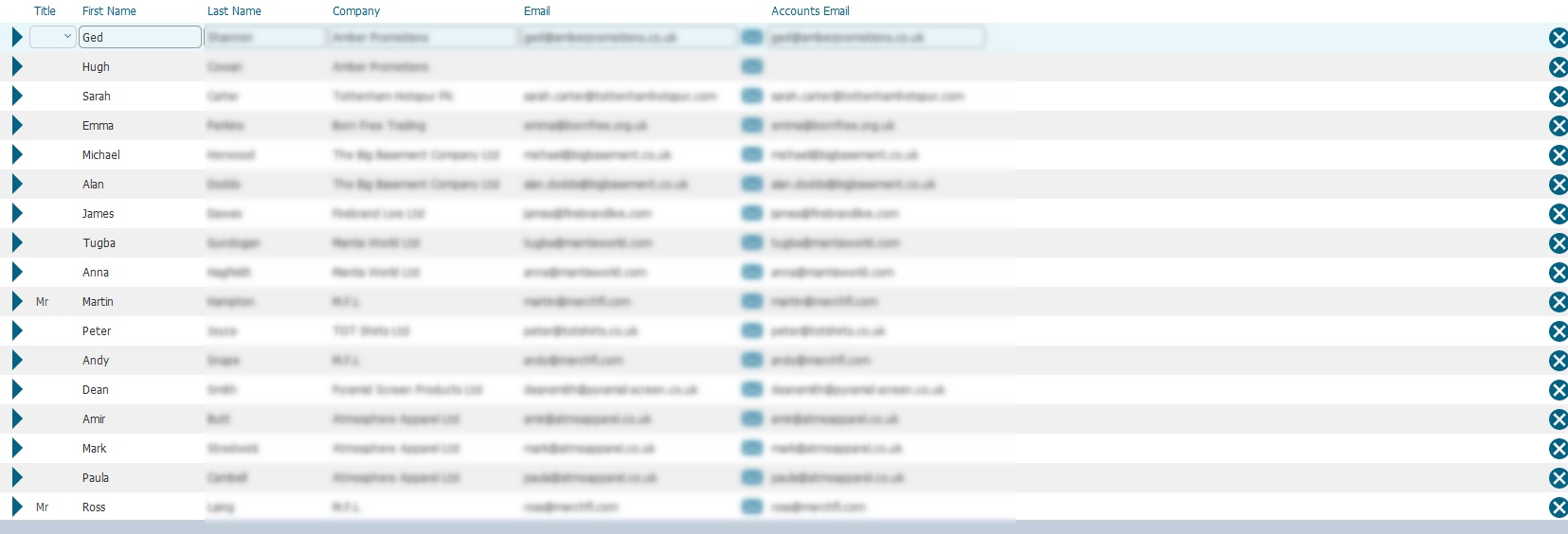
In numerous locations within strokeone, it is possible to search for / filter the records that are shown in the layout.
Notes
The search criteria is applied across many of the fields on the underlying record. That is, in the above example provided the characters sco exist in one or more fields of the data record, then the record will be matched.