
The layout alters to find
mode.
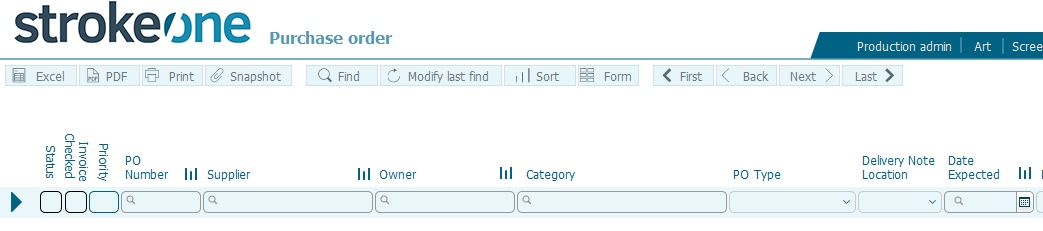
To search for records, enter search criteria in one or more of the data
fields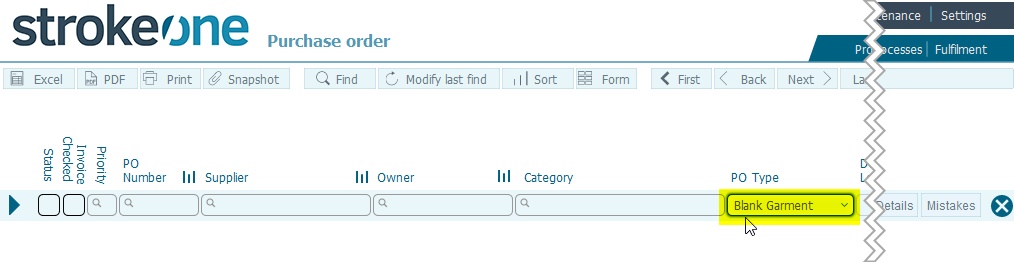
Process the find by pressing enter./ return
(Note: for this topic certain field values have been deliberately obscured in the screen-shots)
Find is a FileMaker
mode in which you specify criteria for finding a subset of records.
You can use Find mode in the various
screen layouts within strokeone to find records that
match your required search criteria.
Note: Although there are numerous ways of entering this mode within strokeone, it is recommended by Strokeone Software Limited that unless you have a high degree of proficiency with FileMaker that you use the method outlined below.
The layout alters to find
mode.
To search for records, enter search criteria in one or more of the data
fields
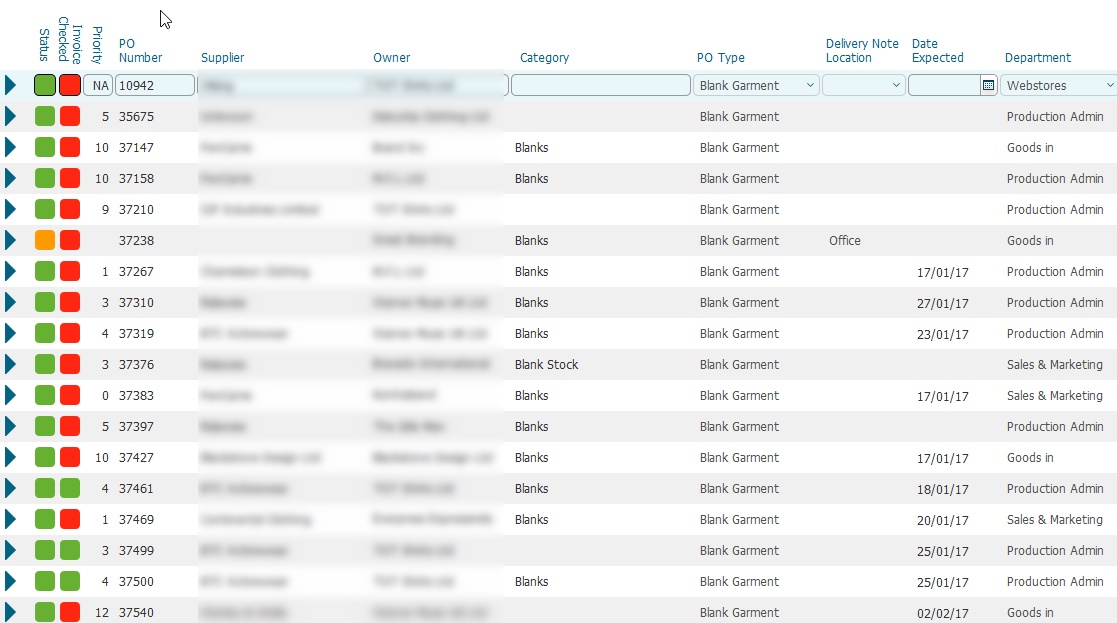
Process the find by pressing enter./ return
Records that match the search criteria entered in step 3) are returned.
Related Topics