Viewing Detail from Print Screen Process Layout
TBC: To
finalise - contents of this are WIP
About this task
This topic will instruct you how to view the detail pop up from a print
screen process in the print screen layout
Prerequisites
Ensure that you have opened the Screen-Print layout
Procedure
- Locate the record which you want to see the detail pop up for.
- Click the Detail button
for the record identified in step 1)

- The Detail pop up window
appears.
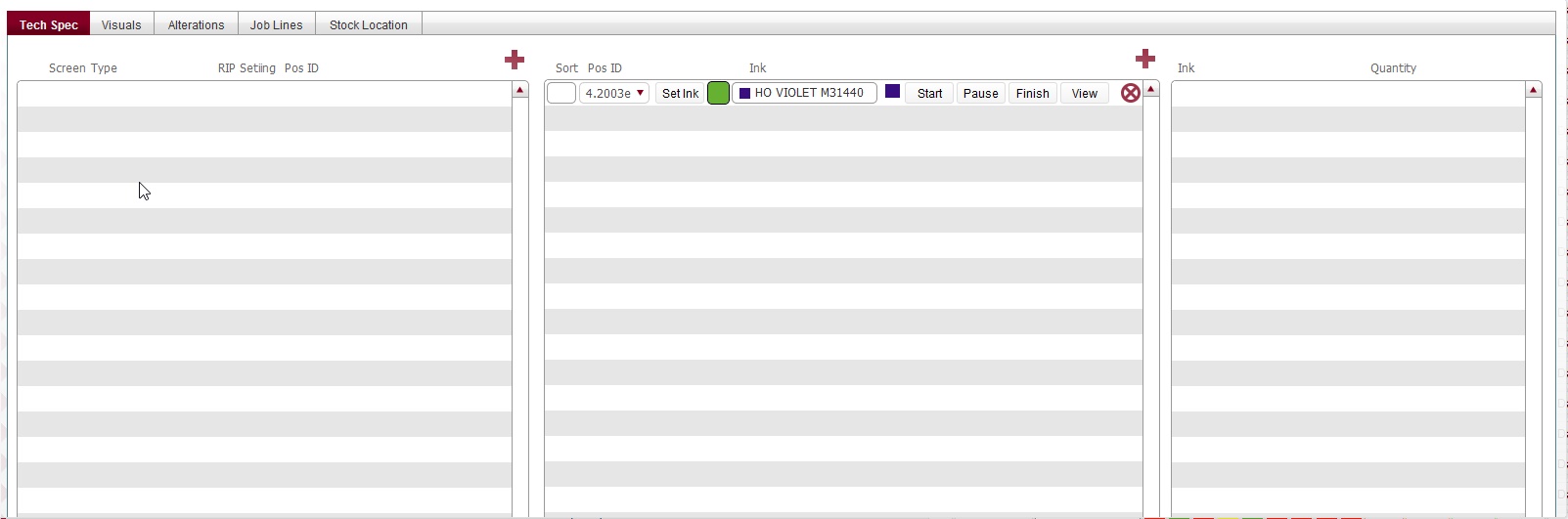
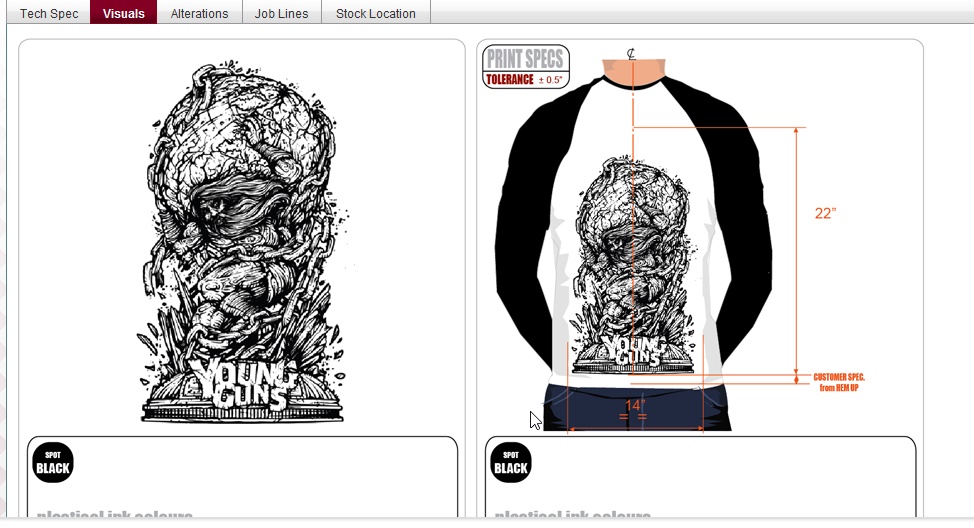
- There are several tabs in the detail pop up window
TBC:
these are all WIP currently
- Tech Spec tab.
- Visuals tab
Related Topics
Screen Print Layout