How to view Job Details
Background
From anywhere within strokeone
you can call up the job
orders that have been recorded.
Procedure
- Navigate to the Jobs
List layout..
- Locate the job order you
wish to see the details for.
- Click on the open
record icon for the job order
you wish to see the details for.
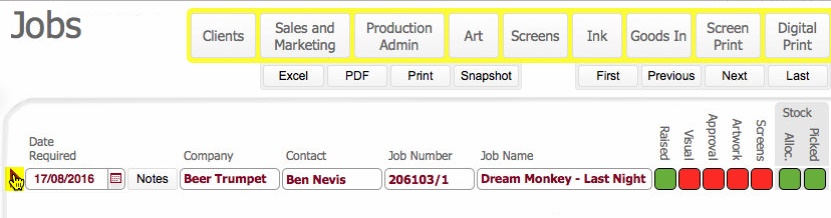
- You are navigated to the job order's detailed
form layout.
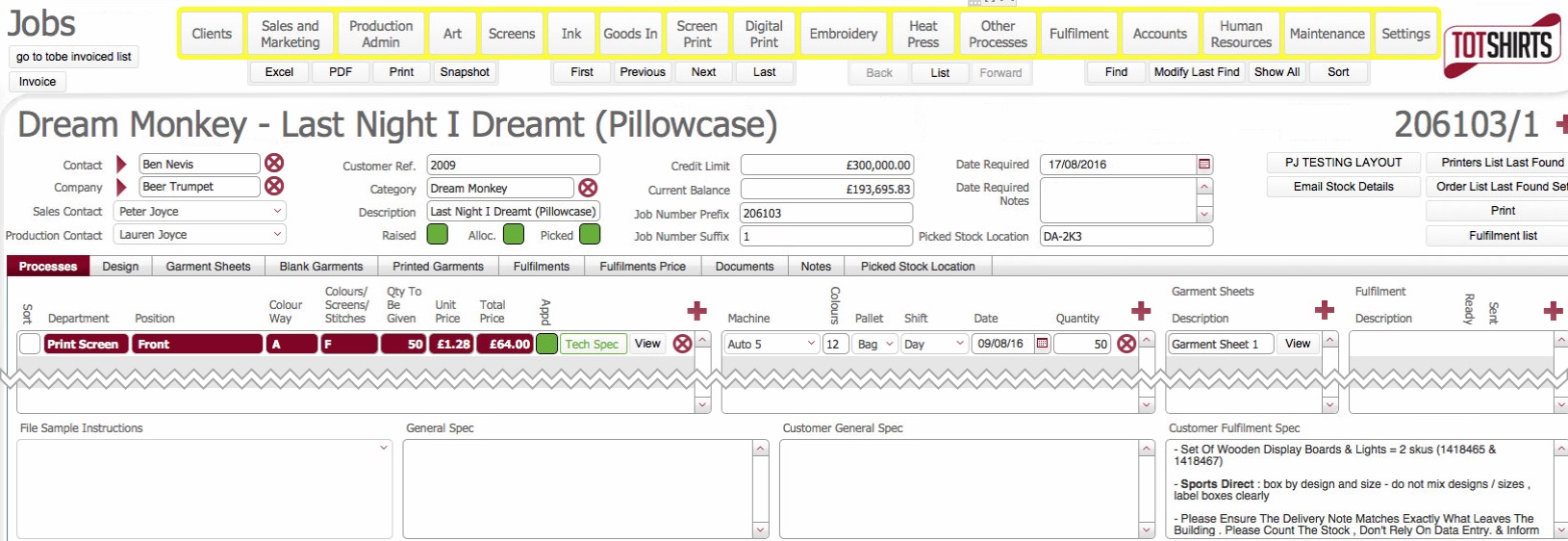
- For a detailed explanation of the tabs
and data fields on this detail form, see Understanding
the Job Order Detail Form
Related
Topics
Viewing the Jobs List Layout
Understanding the
Job Order Detail Form