How to Approve / Reject Colour Visuals from Website
Abstract
In the normal course of events, when a customer is notified
that colour
visuals are awaiting their approval, the customer logs onto
a TOT Shirts Limited web portal
in order to approve them.
Thus,. this activity will typically be carried out by your customers,
external to strokeone.
However, it is included here in the help documentation for several reasons:-
- You may need to educate your customers on how to perform the actions.
- It is important to understand how the process works
- There could be scenarios where you want to perform this action
on behalf of the client.
This topic assumes you are performing
the role of the client.
Prerequisites
Before proceeding to the approvals website to view colour visuals, the
client needs to be in possession of two pieces of key data
Procedure
- Navigate via a browser to the approval
URL contained in the notification
email.
- You will be prompted to login with the customer credentials
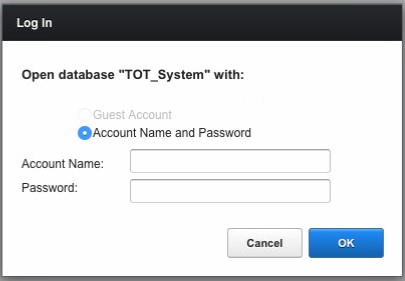
Once entered them, click OK
- The website lists all of the current jobs that the customer has,
which are awaiting colour visual approval.
(in this example, there is only one record)
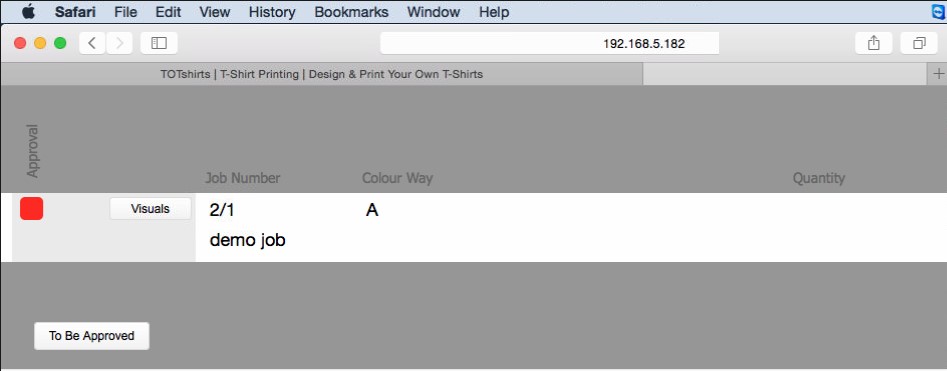
- To see the colour visuals, click the Visuals
button
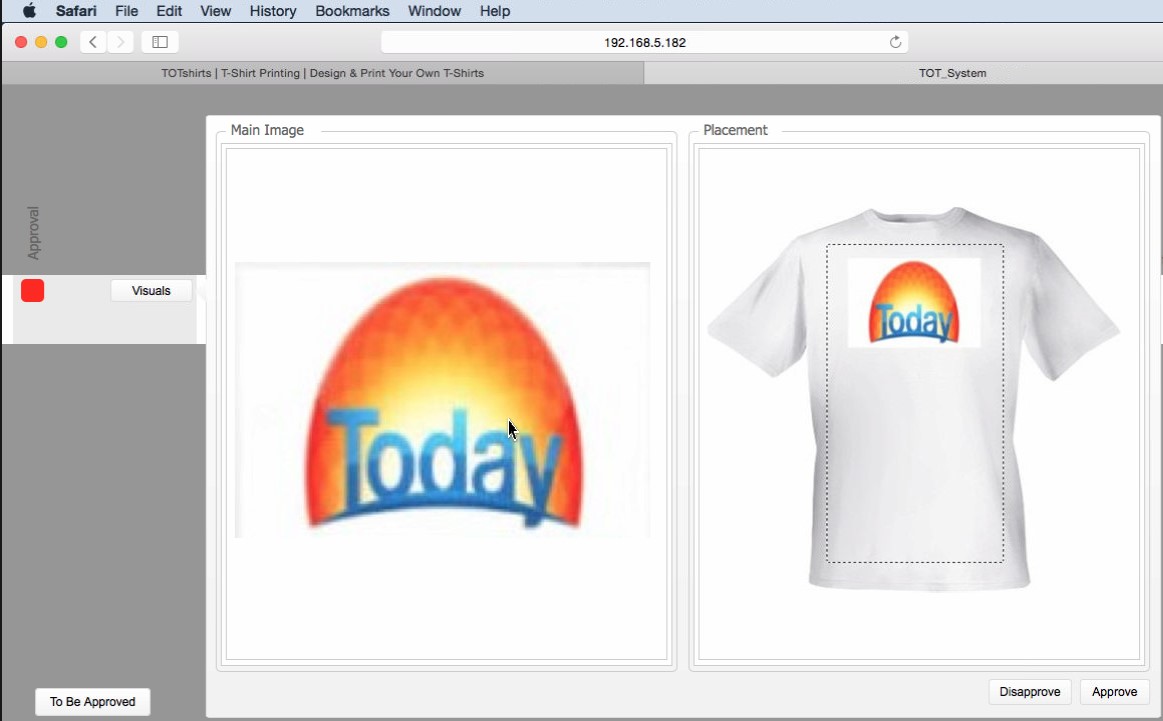
- You can then either Approve
or Disapprove the colour visuals
- If you click Disapprove,
the following happens:-
- The reason for rejection dialog is displayed
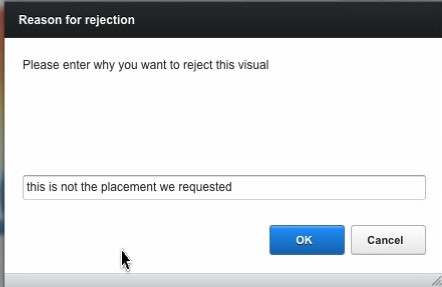
- You must enter a reason for
rejecting the colour visuals in the text field.
- Click OK
- The Approval status
of the corresponding job line's artwork record is updated
from In Progress
to Rejected.
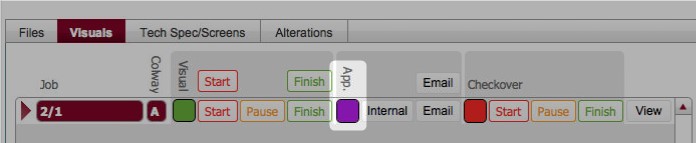
The expectation is that the customer will be contacted to resolve
the reason(s) for rejection, (perhaps
some remedial work, or some additional explanation will be needed)
such that the customer could then login and approve
the visuals.
- If you click Approve, the
following happens:-
- The Approval status
of the corresponding job line's artwork record is updated
from In Progress
to Approved
 .
.
Notes
It is also possible to approve
colour visuals manually from within strokeone.
Next
Steps
The next stages of the artwork creation process are to prepare/transform
the customer's source artwork files and to raise technical specifications
Related Topics
Understanding
ArtWork