
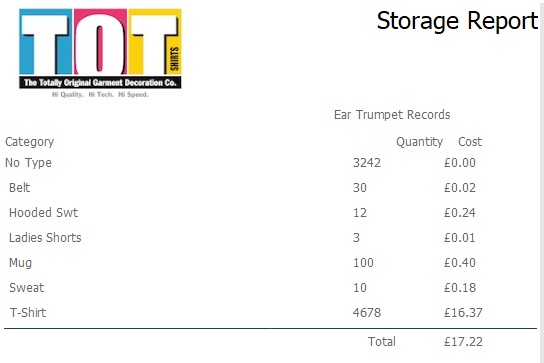
When you store items that are owned by clients, you may wish to charge them for providing this service.
strokeone provides you with functionality to do this in the form of a Storage Report.
In terms of how a client is charged for storage, click here to see the charging mechanism
Ensure that you have logged onto strokeone, and that you have opened the companies list layout
Related Topics
Adding Values to Blank Stock Attributes