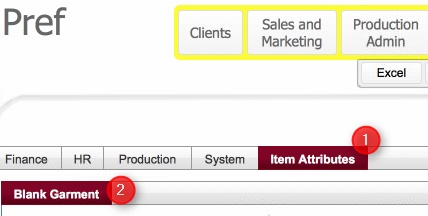

.
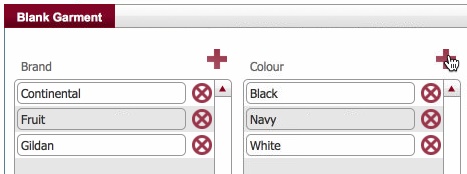
For example, the screenshot below shows adding a new value for the Colour attribute
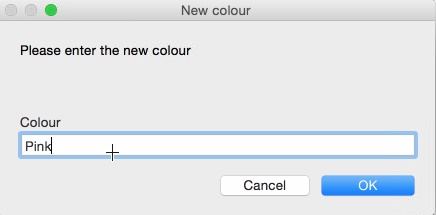
Enter your value in the text field, and click OK
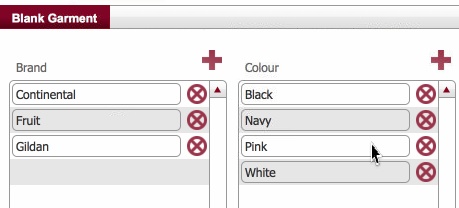
Blank stock is defined according to a series of attributes e.g. [Brand, Colour, Gender, Size, Style, Trim Type]
The uniqueness of a blank garment is denoted by the combination of values that it has for these attributes.
Values for these attributes are defined in the Settings module, and once defined are available in the drop-downs when creating or selecting blank garments within the various layouts in strokeone
Storage Costs
Additionally, the storage charges per
product type are held within this table.
The storage charge value entered here for product types is used in the
calculation of the Current
Storage Price for stock line items of the same product types.
The Current Storage Price on the stock line item is in turn used when generating Client storage Cost reports.
This topic outlines the steps necessary to add values for these attributes.
Ensure that you have logged onto strokeone, and that you can see and access the Settings button in strokeone's home banner.
Related Topics