How to View Contact Detail
Prerequisites
Ensure that you have opened the contact
list view layout
Procedure
- Locate the contact that you wish to see the detailed record for
- Click the > icon to
the left of the contact identified in step 1)

- The Contact Detail layout
appears, pre-populated with data for the record selected in step 2)
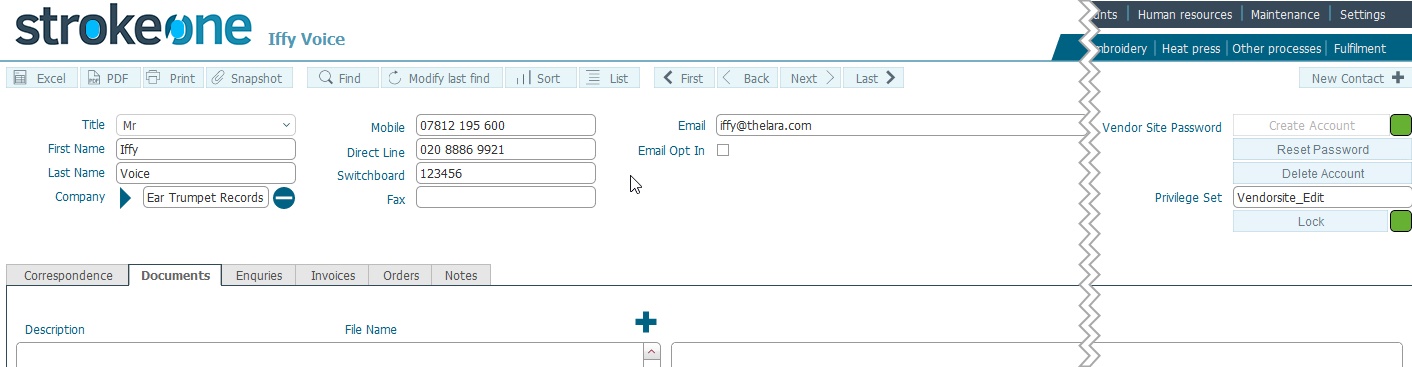
- The fields on the detailed form are described in How
to Create a New Contact
Notes
It is also possible to
edit the contacts field values
from within this layout.
Related
Topics
How to view Contacts
How to Create a New Contact