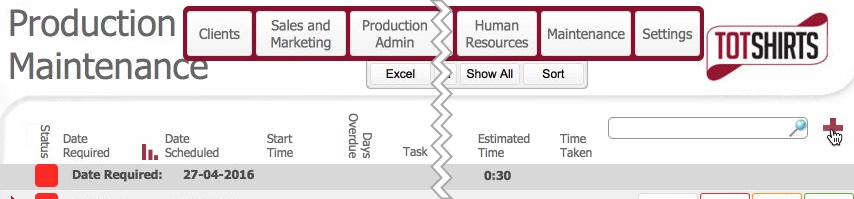

This topic will instruct you how to create a new Maintenance Task record.
Ensure that:-
|
Field |
Comments |
|
Date Required |
Click the calendar icon to set the date that the task is required to be completed by. |
|
Date Scheduled |
Click the calendar icon to set the date that the task is scheduled to occur on. |
|
Task |
Enter a brief header description for the task |
|
Priority |
Enter a numeric value entered to denote the relative priority of the task. |
|
Repeat |
Denotes whether the task should repeat per the frequency / periodicity values. Clicking on this toggles the value between Yes and No. Set No for one off task - Yes for repeat |
|
Frequency |
These two fields work together to define how frequently within a period the task should be performed. e.g 1 per Day. Frequency is a numeric value, whilst periodicity is a drop down select - [Day; Week, Fortnight; Month, Year] For once per month, set 1 and Month |
|
Periodicity |
|
|
Department |
Set the dropdown value to indicate the department which the task is being done on behalf of. |
|
Sub Department |
Set the drop-down value to denote which Sub-department task related to. |
|
Machine |
(If applicable) Set from the drop-down the Machine which the maintenance task relates to. |
|
Responsibility |
Drop-down to denote to denote whom is responsible for carry out the task - whether a contractor, or the department itself |
|
Estimated Time |
Enter an estimation (HH:MM) of the task's likely duration. |
Click the Details Button on the right of the record to invoke the detail pop up form which allows you to record more details.
The pop-up has three tabs.
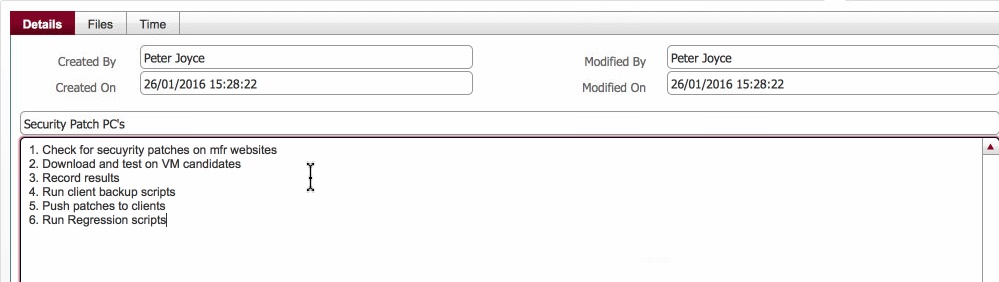
This tab will be pre-populated with the name of the user and the creation time of the new record. Additionally, if this is a newly inserted record, the modified fields will be populated with the same details as the created fields. (On subsequent edits, these will update)
Within this tab, the free-from pane allow you to record detailed / salient information regarding the maintenance taskl.
This tab includes a container portal to allow you to add files to the maintenance record. To see how to add files to a container portal - review the topic How to Insert a File into a container field
** need help on this one **
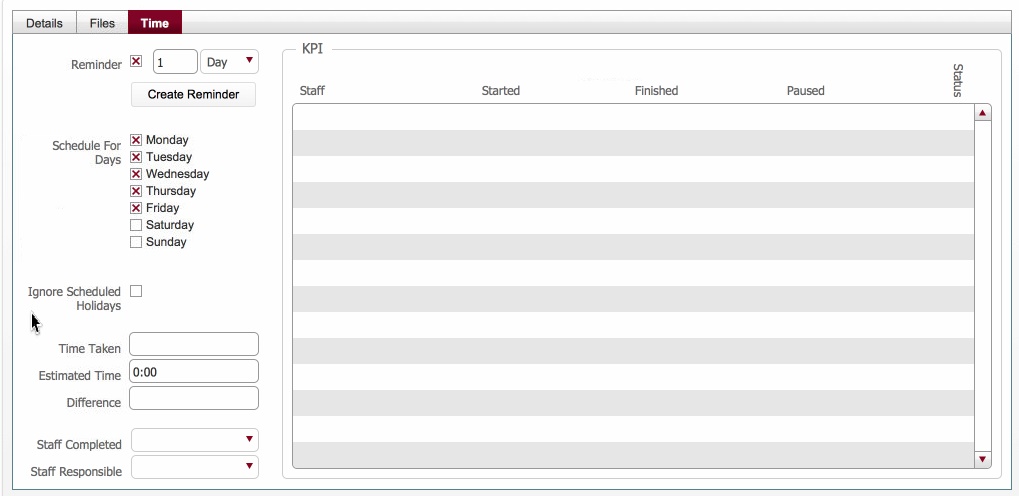
Reminder section ?
Schedule for Days - are these the days that the future scheduling can occur on ?
Ignore Scheduled Holidays: if true = ???
Time Taken: Duration of the task's last run
Estimated time - from the record
Difference: Difference between Time Taken and Estimated Time
Staff Completed: ?
Staff Responsible: ?
Related Topics