The Maintenance List layout lists maintenance tasks (both pro-active and reactive) that have been entered and scheduled in strokeone, together with detailed task information such as:-
Additionally from this layout, users can create maintenance tasks, view a task's details, view a task's history, as well as administer scheduled maintenance tasks - i.e. mark them as started, paused or finished
This topic will instruct you how to understand the contents of, and the actions allowable from, the Maintenance List layout.
Ensure that:-
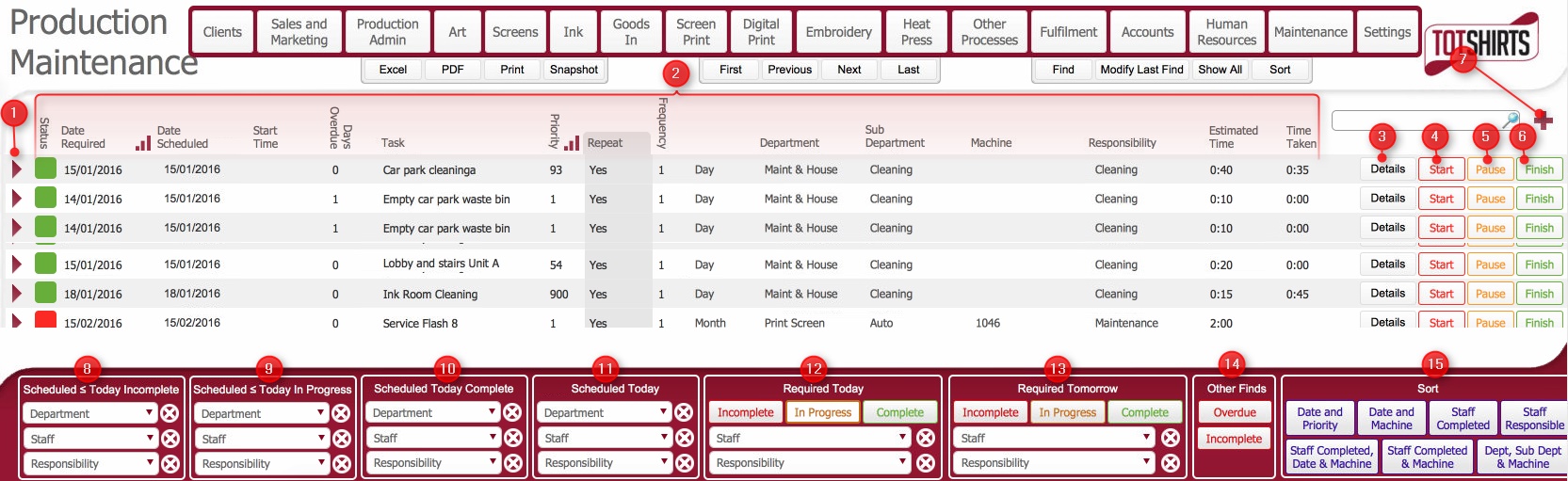
(Note: In the below sections, the numbers in parenthesis refer to the annotations in the above screen-shot)
This layout is composed of the following elements:-
(1) Open record icon: Click this to navigate to the Maintenance Task Detail Layout.
(2) Maintenance Records Basic Data fields. Click here to see details.
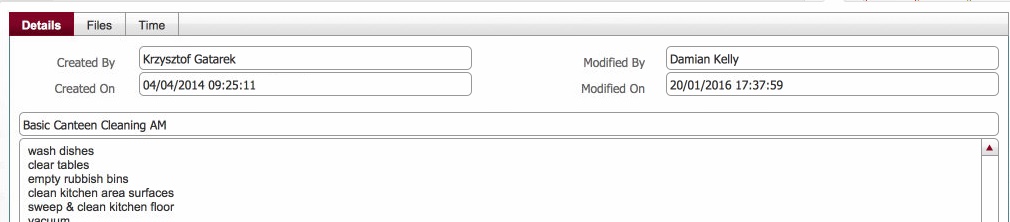
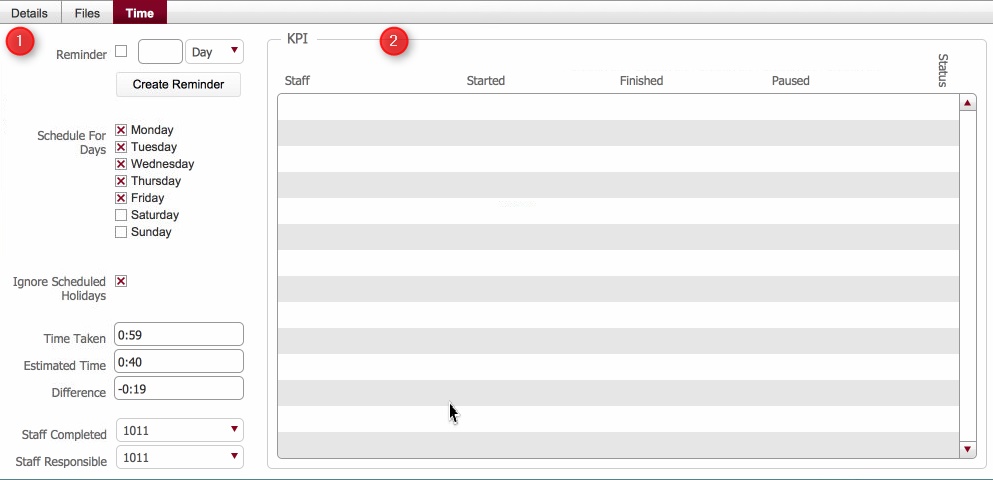
(3) Details button - opens a pop up window which contains a series of additional data fields for the task - click for example
(4) Start button: Will mark the maintenance task as started.
(5) Pause button: Will mark the maintenance task as paused.
(6) Finish button: Will mark the maintenance tasks as finished..
(7) New record icon: Click this to add a new maintenance task.
(8) Scheduled <= Today Incomplete click for details
(9) Scheduled <= Today In Progress click for details
(10) Scheduled Today Complete click for details
(11) Scheduled Today click for details
(12) Required Today Scripted Sort Buttons - click for details
(13) Required Tomorrow Scripted Sort Buttons - click for details
(14) Other Finds - click for details
(15) Scripted sorts: sorts the foundset by the label criteria
Related Topics
Viewing Detail of Maintenance Record
Marking a Maintenance Record as Started
Marking a Maintenance Record as Paused
Marking a Maintenance Record as Finished