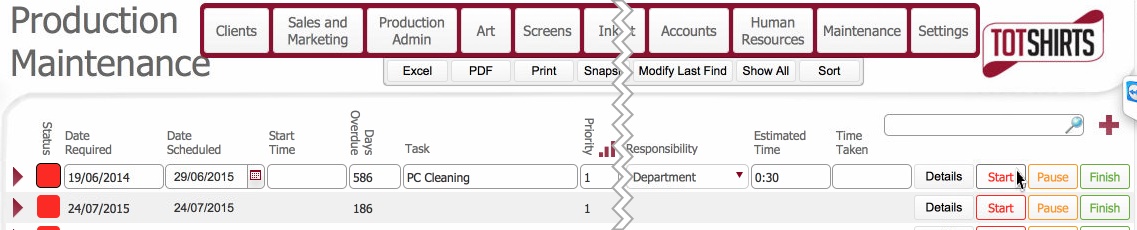
- Status updated to In Progress (Amber)
- Start Time is set with now()

- The Start button is disabled.
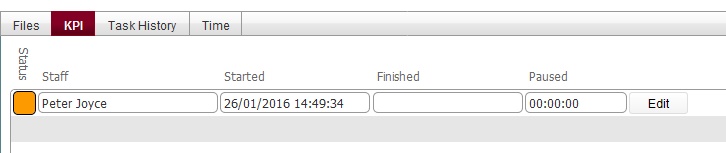
- A new entry is inserted into the KPI tab. recording the time the task started, and the user whom initiated it
This topic will instruct you how to update a Maintenance Task record as started.
Ensure that:-
Related Topics
Viewing Detail of Maintenance Record
Marking a Maintenance Record as Paused
Marking a Maintenance Record as Finished