How to View Company Detail
Prerequisites
Ensure that you have opened the company
list layout
Procedure
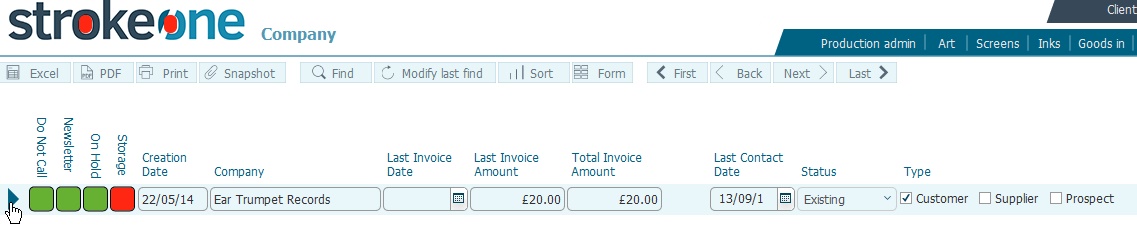
- Locate the company that you wish to see the detailed record for
- Click the open record
icon to the left of the company identified in step 1)
- The Company Detail layout
appears, pre-populated with data for the record selected in step 2)
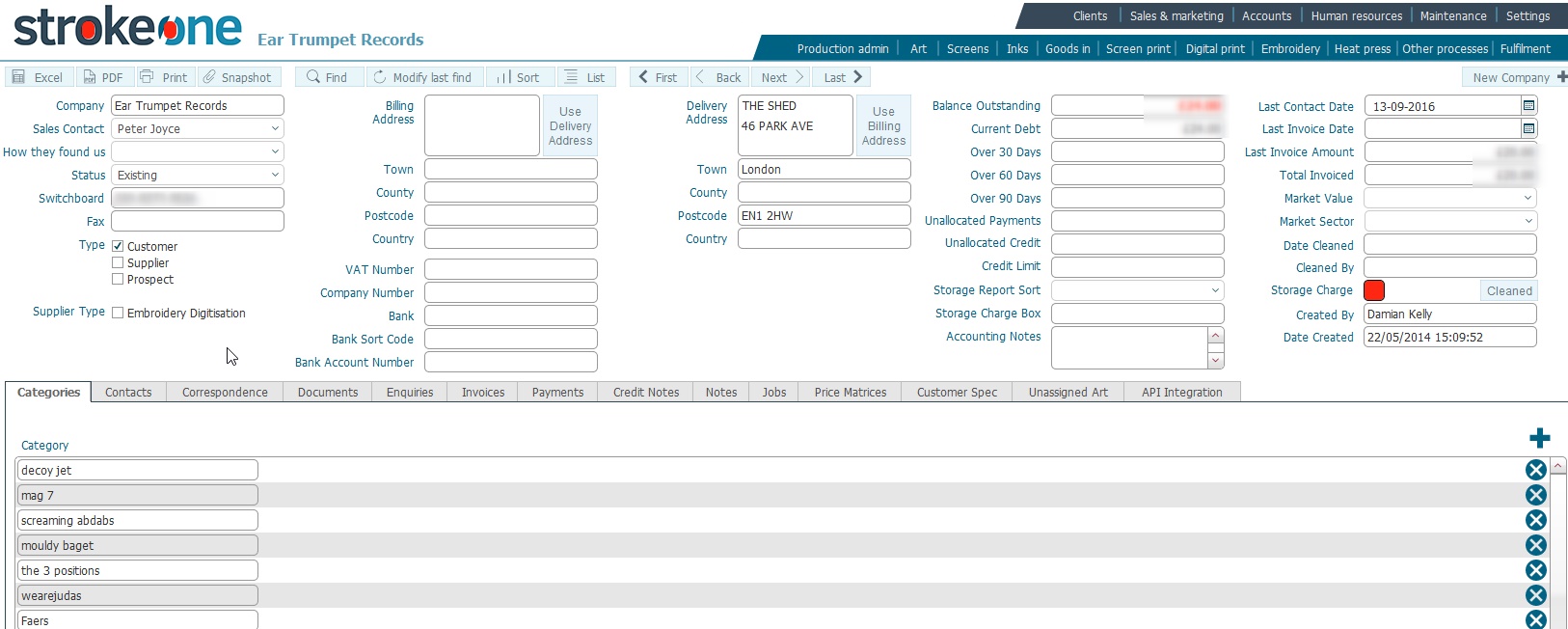
- The fields on the detailed form are described in How
to create a Company Record
- At the bottom of the screen are a series of tabs. See Company
Detail Record Tabs for details on each of these.
Notes
It is also possible to edit
the company's field values from within this screen
Related
Topics
How to view company records
How to create a Company
Record