Marking a Client as On Hold
Background
Within strokeone,
companies can be colour coded
to denote that they require additional diligence and/or levels of
approvals when processing their orders
This might be for the following reasons:-
- There is no credit line for the company.
- The credit line has been breached.
- There is concern regarding the companies ability to meet its outstanding
amounts.
In short, you wish to minimise the credit risk that you have to the
company, and so colour code any job orders and/or fulfilments for the
company so that staff are aware of the sensitivity, and can obtain additional
approvals to process the order and/or escalate any enquiries as necessary.
Colour coding is governed via the On
Hold status field on the Company
object.
Prerequisites
Ensure that you have logged
onto strokeone, and
that you can see and have opened the Company
List Layout.
Procedure
- Locate the company whom you wish to mark as on hold.
- Click the On Hold status
icon for the company.
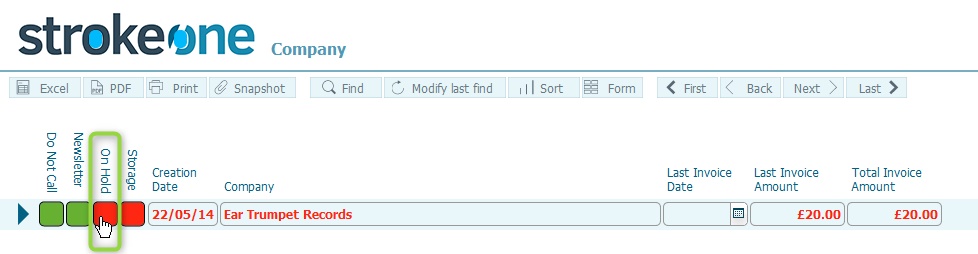
- The Status toggles as per the following cycle:-
- Green--->Red.
- Red------>Amber
- Amber-->Green
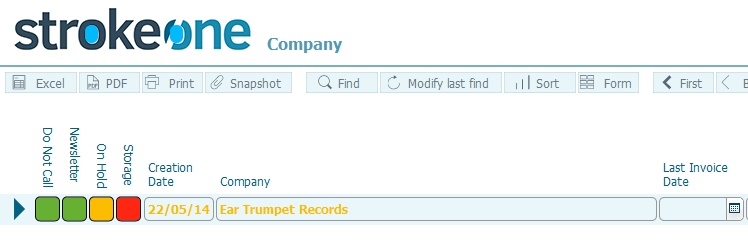
- The on hold colour statuses are typically interpreted as follows:-
- Red: the company is
on hold. The company name
will appear in red bold
text throughout the application for non
completed jobs/fulfilments
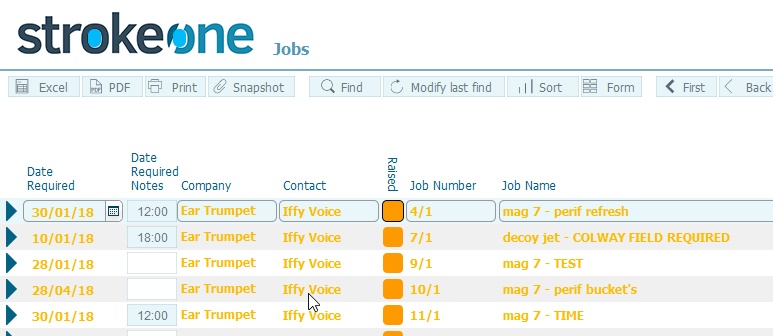
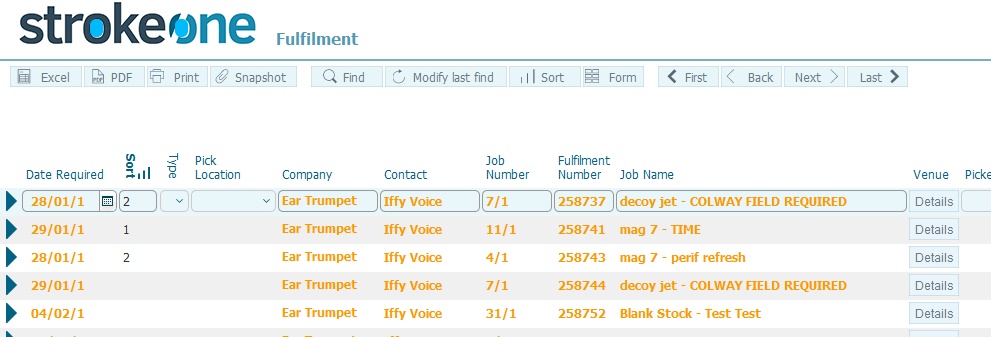
- Amber: The company
is on watch. The company
name will appear in amber bold
text throughout the application. for non
completed jobs / fulfilments
- Green: The company
status is normal, and
its name will appear in non-bold black text in the application.
Click for example
Related
Topics
Company List Layout