Creating a User Logon
Background
In order to logon to strokeone,
a person must have a User Logon Account.
User Logon accounts are an element within a person's Staff
Detail record, and are formed of three key attributes:-
- A username
- A password
- A privilege set
Whilst the username and password are used to authenticate the user logging
on; the privilege set controls
what data the user can access, and which actions they can perform
This topic will instruct you how to create the User
Logon Account.
Prerequisites
Before you attempt to create a user logon account, ensure that :-
- You have logged
onto strokeone
- A staff member record
exists for the person you want to assign a user logon account.
- You have opened the
person's staff detail layout
Procedure
- Within the Staff Detail
layout, select the Bank, Job and
Login tab.
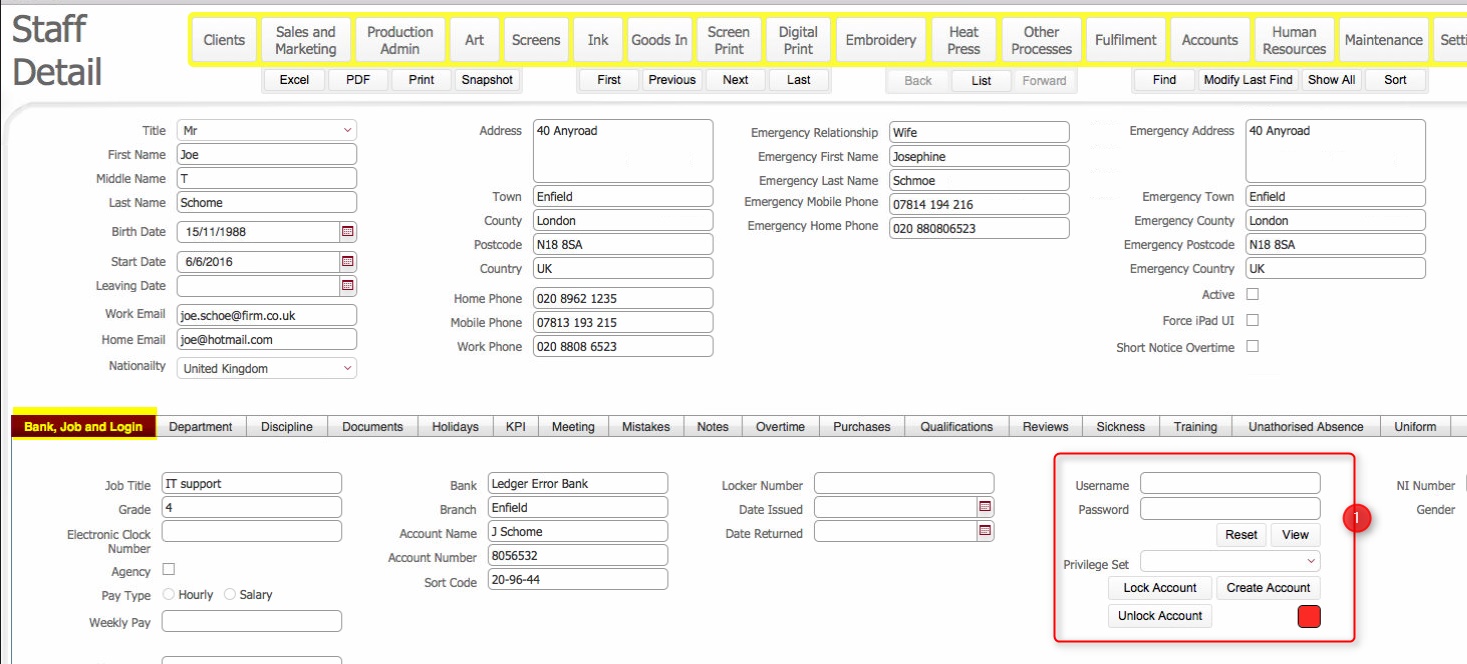
- Familiarise yourself with the User
Logon section which is located to the right within this tab.
(encircled in red, and annotated with (1) in the above screen-shot).
- To create
a User Logon Account for the
staff member, click the Create Account
button.
- The Account Management
dialog opens.
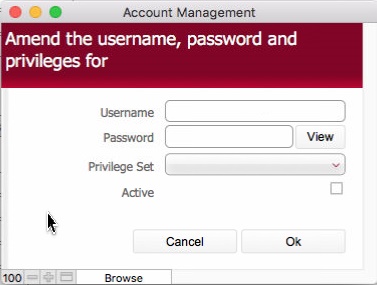
- Populate the dialog as follows:-
Username
:enter a username for
this staff member. This must be unique and cannot be subsequently
changed.
Password:
enter
a password for the staff member.
In the Privilege
Set drop-down, select
an appropriate entry for the staff member.
DEV:
Need to tabularise what the privilege sets do,
Set
the Active check-box as
enabled.
The dialog should look something similar to this:-
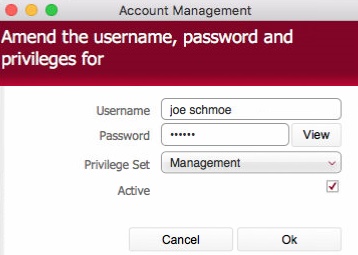
Click
OK.to
set the User Logon Account.
The User
Logon Account is set.
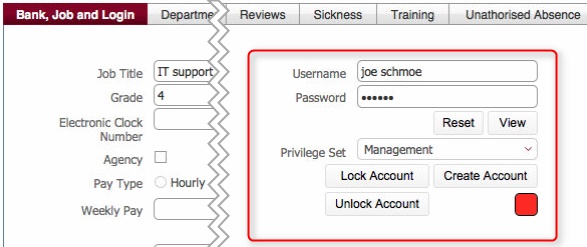
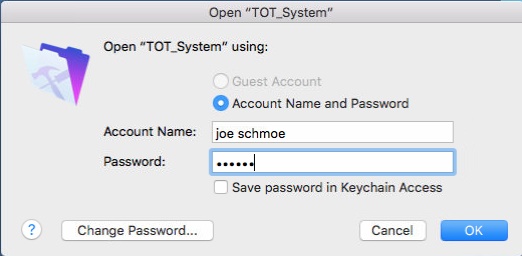
The user can now logon
to strokeone
using the User Logon Account
details created in step 5)
Related Topics
Creating
a Staff Member Record
How
to View Staff Detail Record
Logging
onto the system
Locking
a User Account
Unlocking
a User Account