
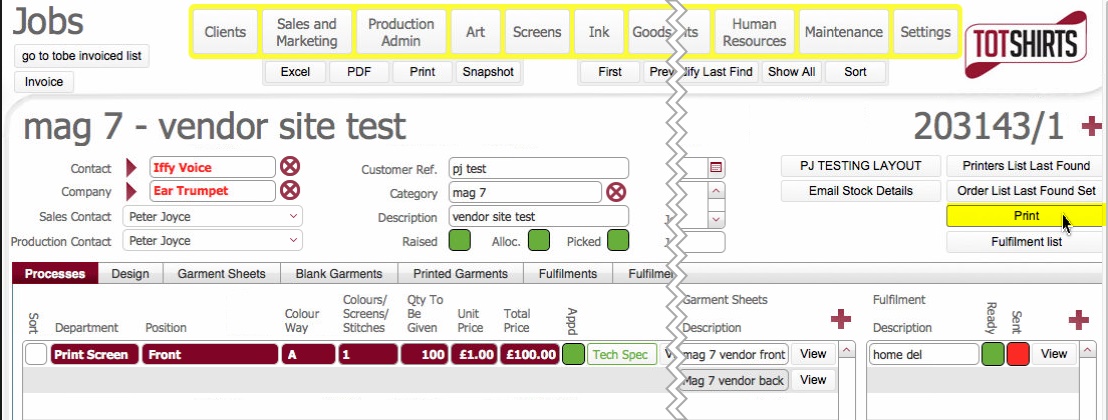
When a job order has been fully written up , that is:-
it can be beneficial to print out a job process summary sheet that can be used as a quick visual guide to the activity required to complete the job order.
This can be for example, stapled to a hard copy of the customer's purchase order and provided to the accounts department to give a high level summary of the job components so that they can utilise it as a checking device when creating invoices.
It is expected that most users will use the electronic records within the system, but this allows for a hard copy snapshot to be produced.
Note:This procedure assumes you have not already opened the detailed layout of the job order for which you wish to print a process summary sheet. If you have you can skip to step 5)
Related Topics