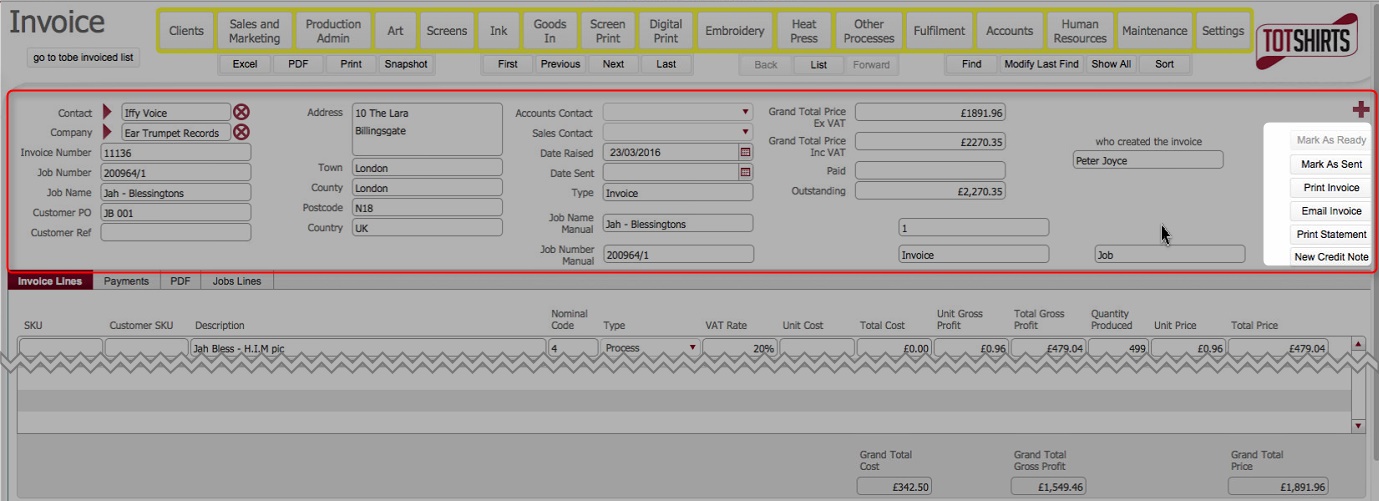
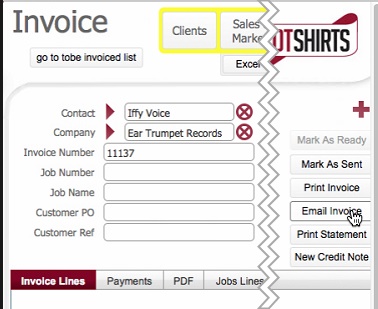
TBC: Screen shot needed **
Note: although the email is automatically generated by strokeone, you need to manually send it.
Once an invoice has been marked as ready, it has been finalised from a creation perspective, meaning:-
It is therefore fit to be sent to the customer to request payment.
Two send methods are currently supported:-
This topic refers to the method b)
This topic outlines the steps necessary to email a finalised invoice
TBC: As of Mar 29th the email function does not work, so the below is expected behaviour***
.
This topic assumes that
You have finalised the invoice by marking the invoice as ready
You are in the detail view of the finalised invoice that you wish to email
Next Steps
As you have sent the invoice to the customer, you need to record in strokeone that it has been sent.
Related Topics