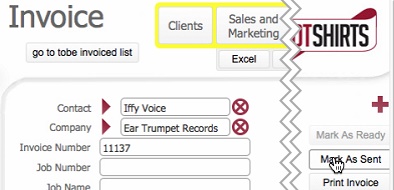
- The Mark as Sent button disables.
- The Print invoice button transforms to RePrint Invoice
- The Date Sent field is time/date-stamped with the date/time when step 1) was processed.

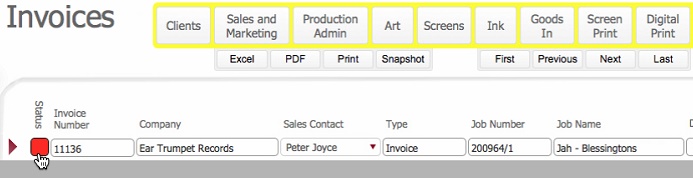
- The life-cycle status of the Invoice record is updated to Red (Sent)
Once an invoice has been marked as ready, it has been finalised from a creation perspective, meaning:-
It is therefore fit to be sent to the customer to request payment.
Two send methods are currently supported:-
Irrespective of the method, once the invoice has been sent, this needs to be recorded in strokeone, so that the activity is recorded and tracked, and that all interested parties can see this.
This topic outlines the steps necessary to mark an invoice as sent.
This topic assumes that
You have finalised the invoice by marking the invoice as ready
You are in the detail view of the invoice that you wish to mark as sent
Next Steps
The next stages of processing the invoice occur when a payment is received.
Related Topics
Recording Payments received for an Invoice