Marking Other Process as Started
Background
When other processes are about to commence on the factory floor, several
things happen:-
- The blank garments that have been picked for the job, are collected
from their location in the ready for process area and brought to the
machine/area that will do the other pressing.
- Any peripherals needed are picked
and brought to the other process area/ machine.
- Any machine configuration needed is set up.
- Once fully set up, the other process is started.
About this task
This topic will instruct you how to update strokeone
to mark that the above activities has occurred.
Namely: pick the peripherals; update the picked stock location, update
the picked peripheral location and mark the other process as in progress.
Prerequisites
Ensure that you have opened the Other
Processes Layout for the machine which is undertaking the process.
It is worth noting that you cannot start a process until all the preceding
activities that are required have completed.
For example, blank stock needs to have been allocated and picked. The
start button will be disabled until all necessary prior processes have
completed
Procedure
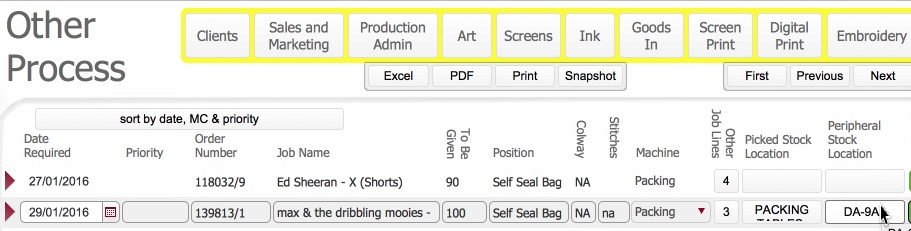
- With the other processes layout, locate the record for the process
line that you are interested in.
Pick any peripherals needed
- Click the Pick button to
invoke the item picker dialog and pick
the peripherals
(See Picking
Peripherals for a Process Line for detailed instructions)
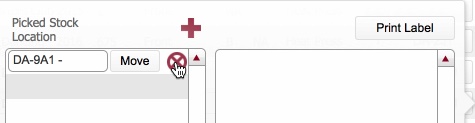
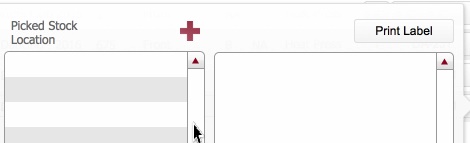
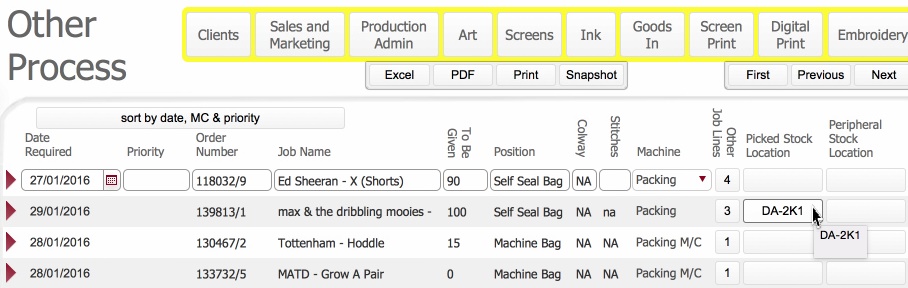
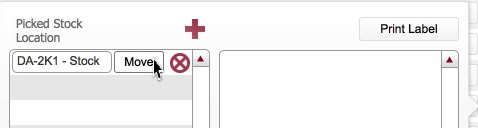
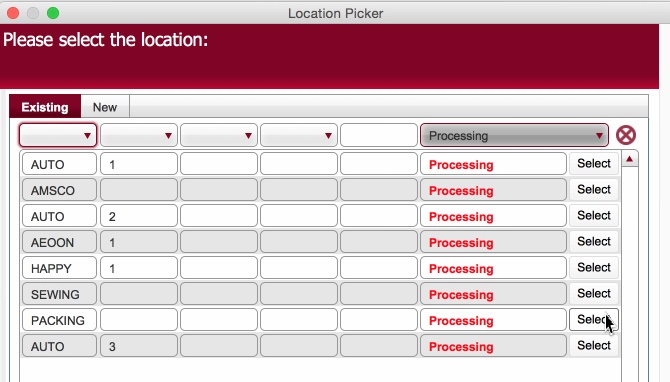
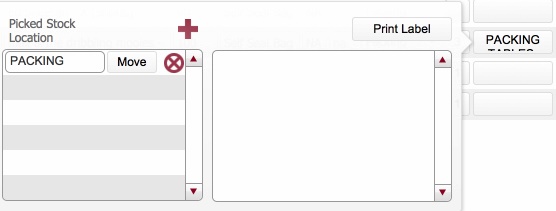
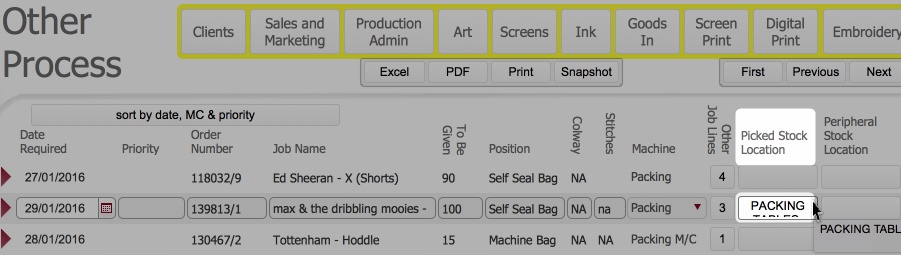
- Next update the location of picked
stock
Update the location of blank garments
to denote that they have been collected
from the ready for process area
and are now placed with the
specific other process machine,
by following these steps:-.Click
for details
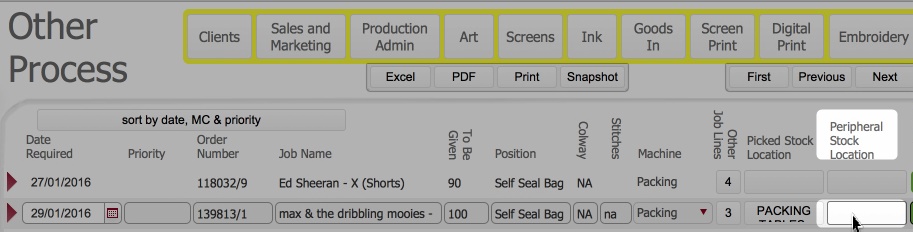
Next update the location of
picked peripherals
Update the location of peripherals
to denote that they have been collected
from the peripherals ready for process
area and are now in the production area. (this is currently recorded
as blank) Click
for details
Next, record that the Other
Process has started.
Click the Start button for
the record identified in step 1)

- The following updates occur:-

- The Production status icon updates
to Amber (in Progress)
- The Start button is
disabled.
- Conversely, the Pause
and Finish
buttons are now enabled.
Related Topics
Other Processes Layout
Picking
Peripherals for a Process Line
Marking Other Process
as Started
Marking Other Process
as Finished
 .
.