Viewing the Invoice Detail
Background
The Invoices Detail form displays
a whole series of granular data recorded on an invoice record:-
- Invoice Headers -
(such as whom raised the invoice, internal contacts, customer contacts
and address
- Invoice Charge Contents
- the substantive detail of what the invoice is made up of. These
list the chargeable
elements of the invoice - such as Origination, Process,
Product and Fulfilment costs.
- Invoice PDF copy - when
the invoice is marked as sent, an electronic copy of the invoice is
stored.
- Invoice Payment - when payments are made on the invoice, details
of these are recorded.
.
About this task
This topic will instruct you how to open, interrogate and understand
the contents of an Invoice List
Layout
Prerequisites
Ensure that:-
Procedure
- Search
for / locate the Invoice record
that you wish to see details for
- Click the open
record icon for the Invoice record
identified in step 1)
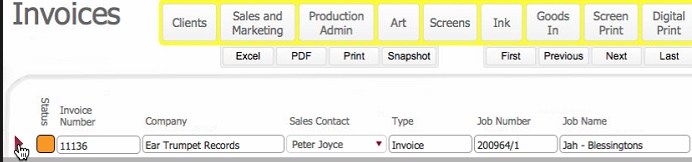
The invoice detail layout opens
for the record selected in step 2)
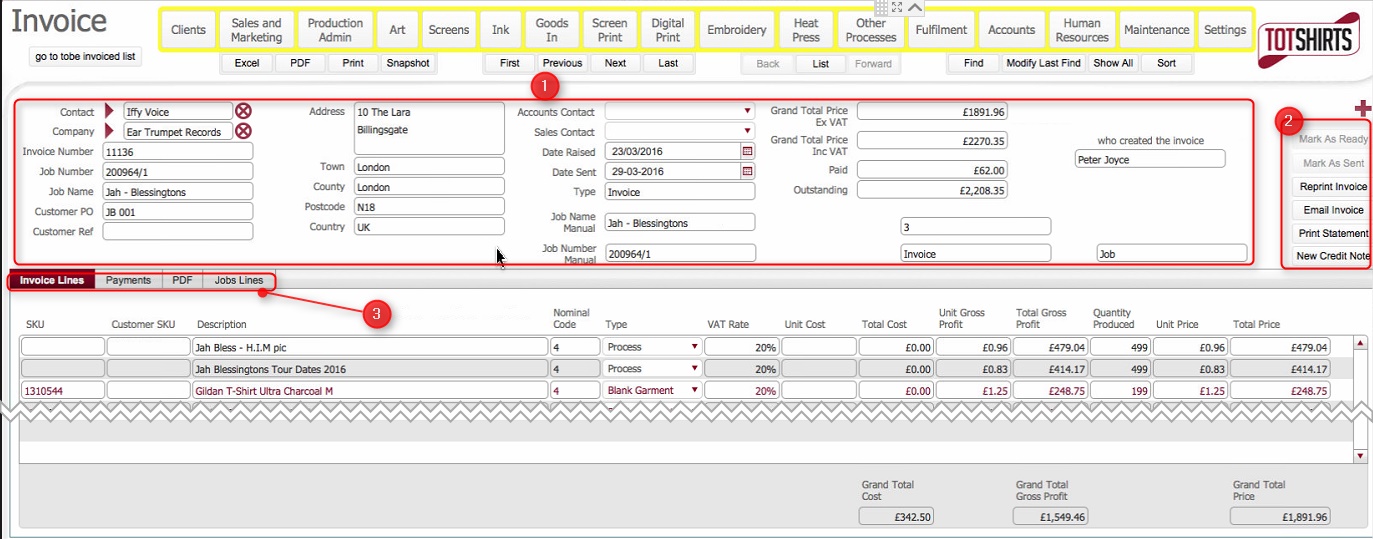
(Note: In the below sections/text,
the numbers in (bold parenthesis)
refer to the annotations in the above screen-shot)
Layout Composition
The layout is made up of the following elements:-
Invoice
Header Fields (1)
Invoice
Action Buttons (2)
Invoice tabs (3)
There are four tabs on the invoice detail
layout.
Invoice
Lines tab
Payments
tab
PDF
Tab
Job
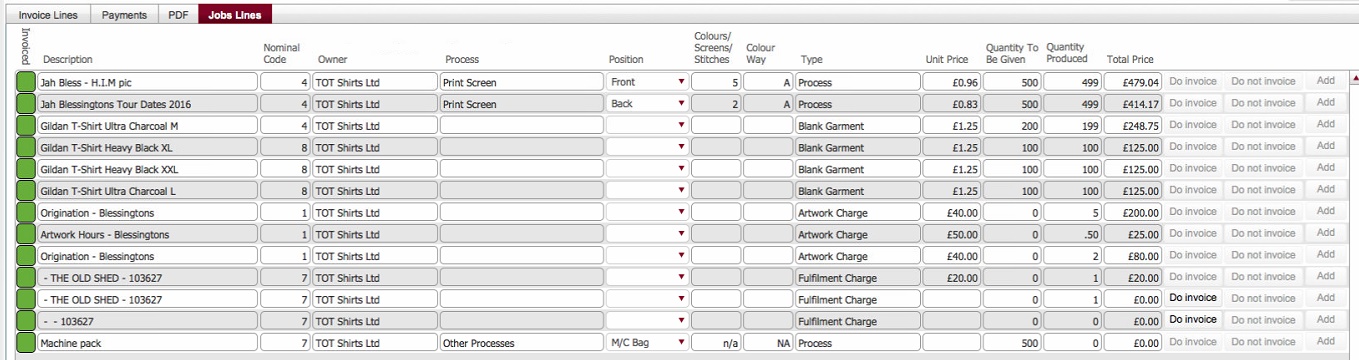
Lines tab
Related Topics
Invoices
List Layout
Invoicing
Process